Transitions, Effects, Filters, and Overlays: What Is the Difference?
Quick answer
A transition controls how one clip changes into the next. An effect changes the appearance or behavior of a clip. A filter applies a predefined visual treatment, while an overlay places another visible element above the footage.
GiliSoft Video Editor Pro brings these tools together with color controls and keyframes so Windows users can correct footage, create visual continuity, and animate selected properties over time.
The strongest edit often uses fewer effects. Complete the story and timing first, then add only the visual changes that improve continuity, direct attention, correct a problem, or establish a deliberate style.
Choose the Right Visual Tool for the Job
Decide what the viewer needs to perceive before opening an effects library. This avoids selecting a dramatic preset first and inventing a reason for it afterward.
Editing need
Best starting point
Common mistake
Move to a new scene, place, or time
Direct cut, dissolve, fade, or a restrained transition
Adding a different transition between every clip
Match footage from different sources
Exposure, contrast, saturation, and color temperature adjustments
Using a strong filter before correcting basic inconsistencies
Create a consistent mood
One carefully adjusted filter or color treatment across related clips
Applying unrelated looks to individual shots
Direct attention to information
Text, graphic, picture-in-picture, or a subtle overlay
Covering faces, captions, controls, or the main subject
Change position, scale, opacity, or another property over time
Two or more keyframes with deliberate start and end values
Animating every element when a static composition is clearer
How to Add Transitions and Effects without Overediting
Use this order so later timing changes do not force you to rebuild visual work.
Finish the main arrangement and timing before applying transitions, clip effects, overlays, and animated changes.
Complete the rough cut
Arrange clips, remove weak material, correct timing, and confirm the story. A direct cut should remain the default when one action or idea follows another naturally.
Correct framing and obvious picture problems
Crop, rotate, and position the footage. Fix basic exposure, contrast, and color differences before selecting a creative look.
Add transitions only where the change needs help
Preview the transition between the actual adjacent clips, then adjust its duration. Keep enough source frames around the edit so the change does not reveal an unwanted moment.
Apply effects and filters with a defined purpose
Use them to support tone, improve readability, or establish consistency. Compare the result with the untreated clip and reduce intensity when detail or natural color is lost.
Place overlays and animate selected properties
Keep overlays inside safe margins and away from important content. Use keyframes when position, scale, opacity, color, or another supported value must change over time.
Preview transitions and export a short test
Watch every edit at normal speed with sound. Check for flashes, jumps, covered text, inconsistent color, excessive motion, and slower performance before exporting the full project.
Test the effects workflow with your own footage
Compare transitions, filters, color adjustments, overlays, and keyframes using representative clips from one real project.
Transitions and Effects in GiliSoft Video Editor Pro
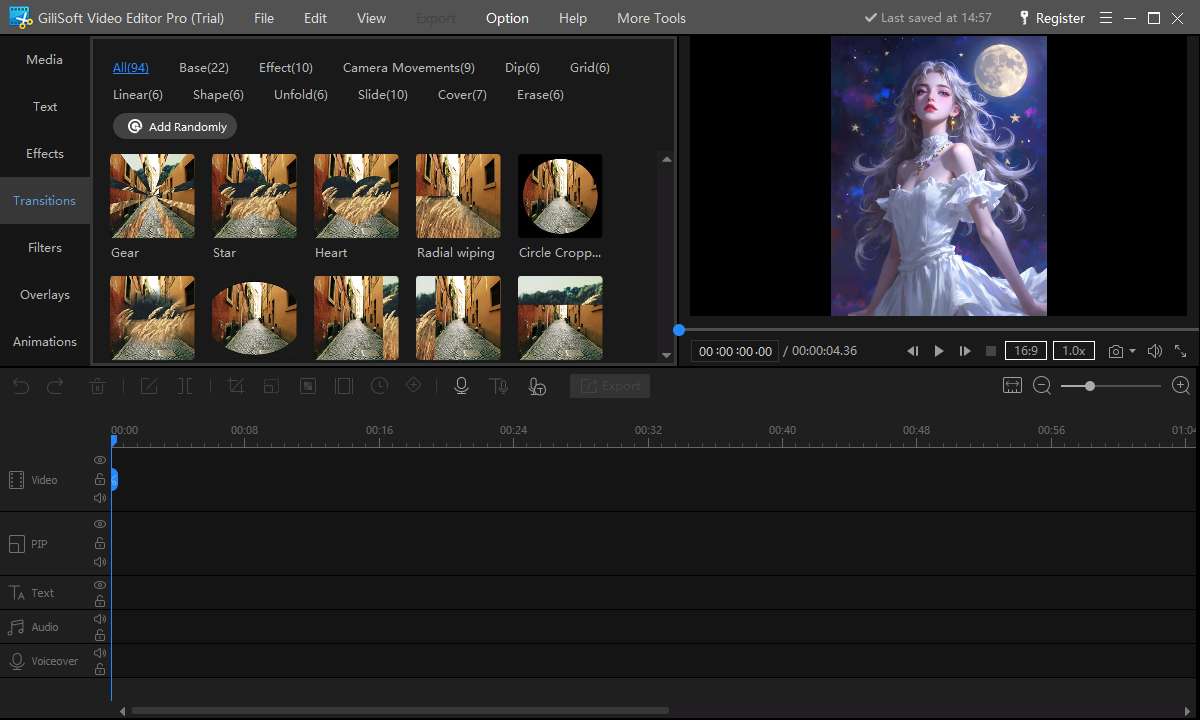
Choose transitions by category and preview the change
Browse common, 3D, slide, wipe, and other categorized transition styles
Apply a transition at a meaningful scene boundary rather than every cut
Review duration and direction against the actual outgoing and incoming shots
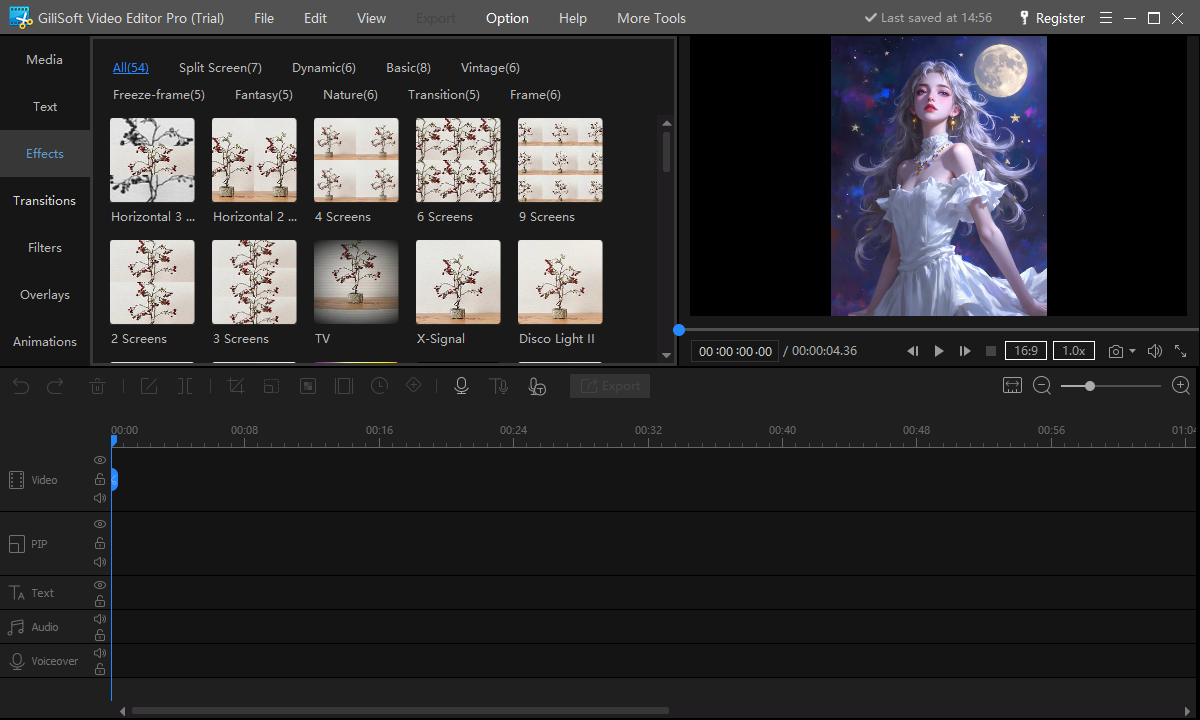
Apply clip effects for a specific visual result
Preview stylized treatments on the selected footage before committing
Use an effect to support the subject or mood, not to hide a weak edit
Check faces, text, gradients, and fine detail for unwanted artifacts
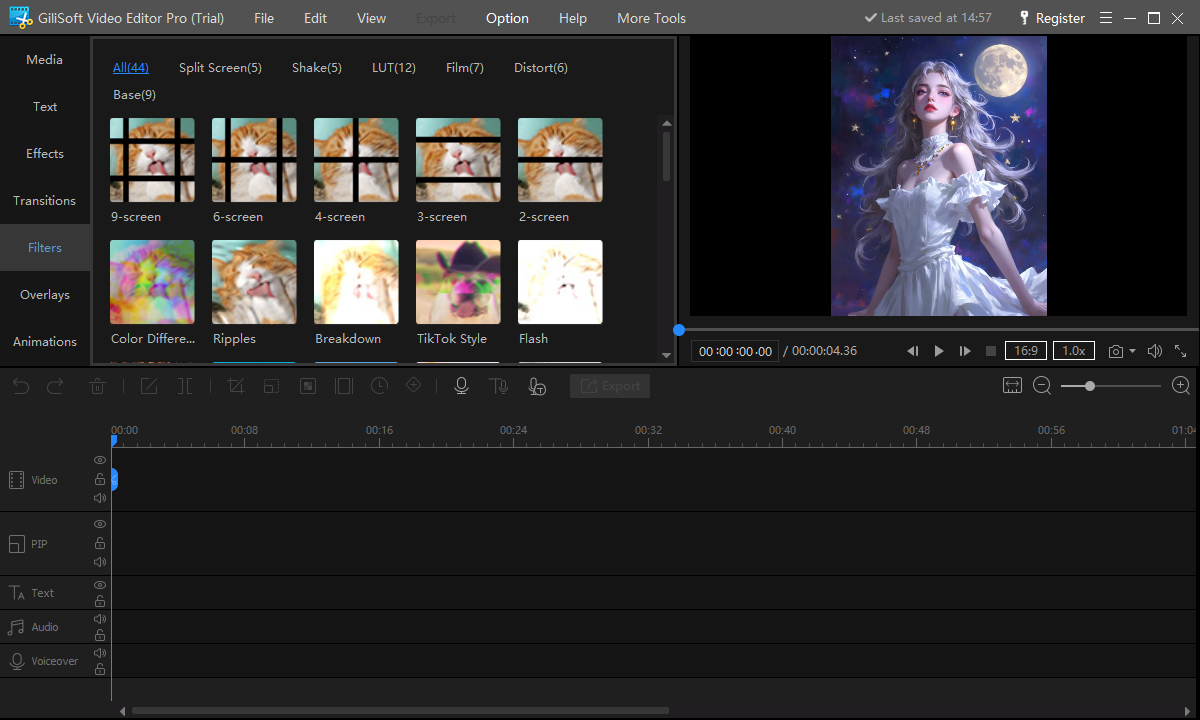
Use filters to create a consistent treatment
Compare presets on representative bright, dark, indoor, and outdoor shots
Apply the same treatment consistently to clips that belong together
Avoid a preset that crushes shadows, clips highlights, or makes skin tones unnatural
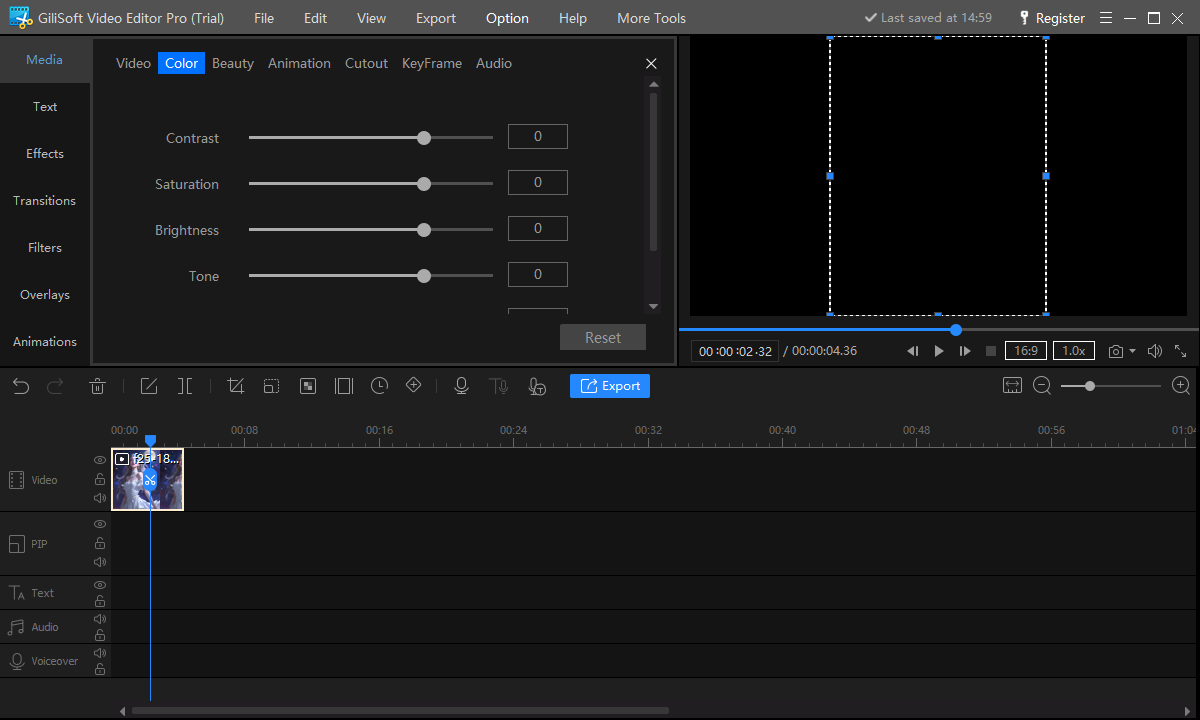
Correct brightness, contrast, saturation, and tone
Match adjacent clips before applying a creative style
Protect highlight and shadow detail while improving readability
Use color adjustments to solve a visible problem, then compare with the source
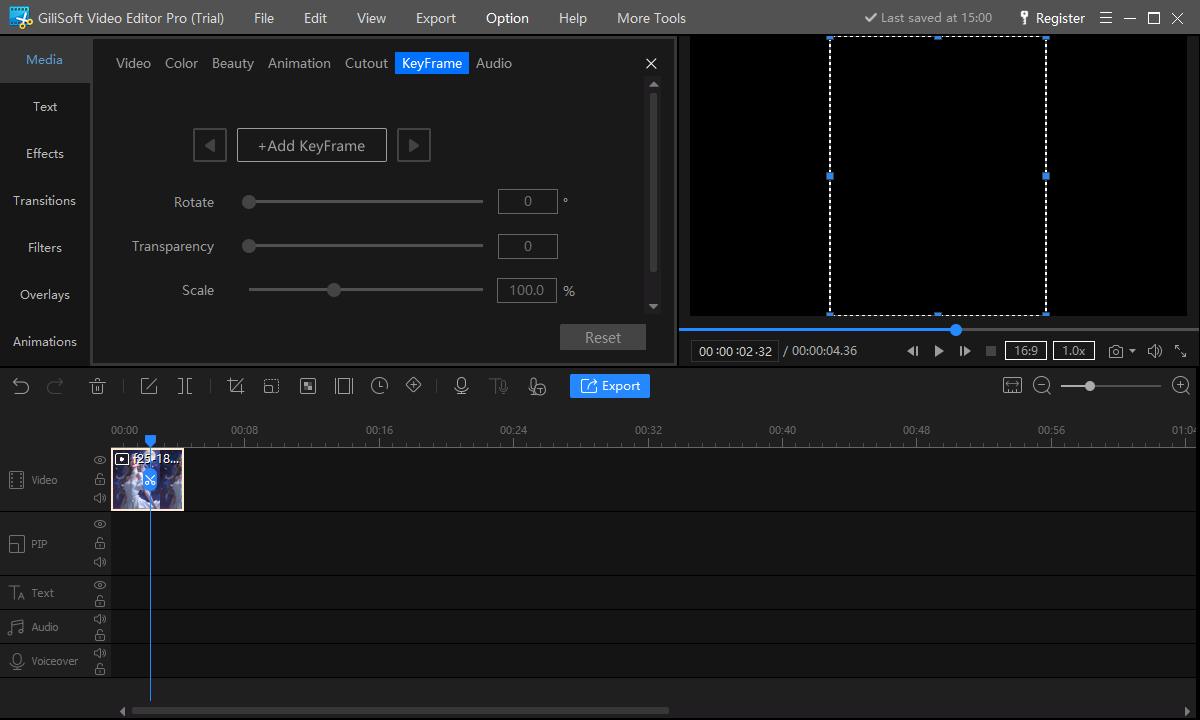
Animate supported properties with keyframes
Set a starting value and an ending value for a change over time
Use keyframes for controlled movement, scale, opacity, color, or other supported settings
Keep motion smooth, readable, and slow enough for the viewer to follow
Practical Ways to Use Video Effects
Separate chapters or locations
Use a consistent dissolve, fade, or selected transition to signal a real change in time, subject, or place.
Match mixed camera footage
Correct exposure, contrast, saturation, and temperature so adjacent shots feel like part of the same production.
Create branded openings
Combine a logo, title, controlled motion, and a short transition without delaying the main content.
Focus attention
Use position, scale, opacity, picture-in-picture, or overlays to reveal the information the viewer should notice.
Establish a visual mood
Apply one coherent filter or color treatment to related footage and reduce intensity when it harms detail.
Build before-and-after comparisons
Use split screen, overlays, direct cuts, or controlled animation to make the change easy to evaluate.
When to Use a Cut, Dissolve, Fade, or Stylized Transition
The direct cut is not a missing effect. It is the clearest way to connect shots when action, time, and place continue normally. Add a transition only when the change itself needs to be communicated.
Direct cut
Use for continuous action, dialogue, demonstrations, and fast pacing when the viewer does not need a visible bridge.
Dissolve
Use sparingly for a softer change, a passage of time, or related images that benefit from a visual overlap.
Fade to or from black
Use at a beginning, ending, major pause, or clear chapter boundary where the interruption is intentional.
Stylized transition
Reserve for a deliberate format or brand language. Reuse a small set instead of changing style at every edit.
Transitions and Effects Review Checklist
Review the full edit at normal speed and on the intended display. An effect that looks acceptable on one paused frame can still feel abrupt, distracting, or unreadable in motion.
Transition timing
Check that the effect does not expose discarded frames, interrupt speech, delay an action, or consume too much of a short clip.
Color consistency
Compare neighboring shots for exposure, white balance, saturation, contrast, and skin-tone changes.
Overlay safety
Confirm graphics and picture-in-picture elements remain inside the frame and do not cover captions, faces, or key details.
Motion and performance
Look for sudden scale or position changes, flicker, jagged movement, slow preview, and export artifacts around complex sections.
Why Use GiliSoft Video Editor Pro for Effects Work?
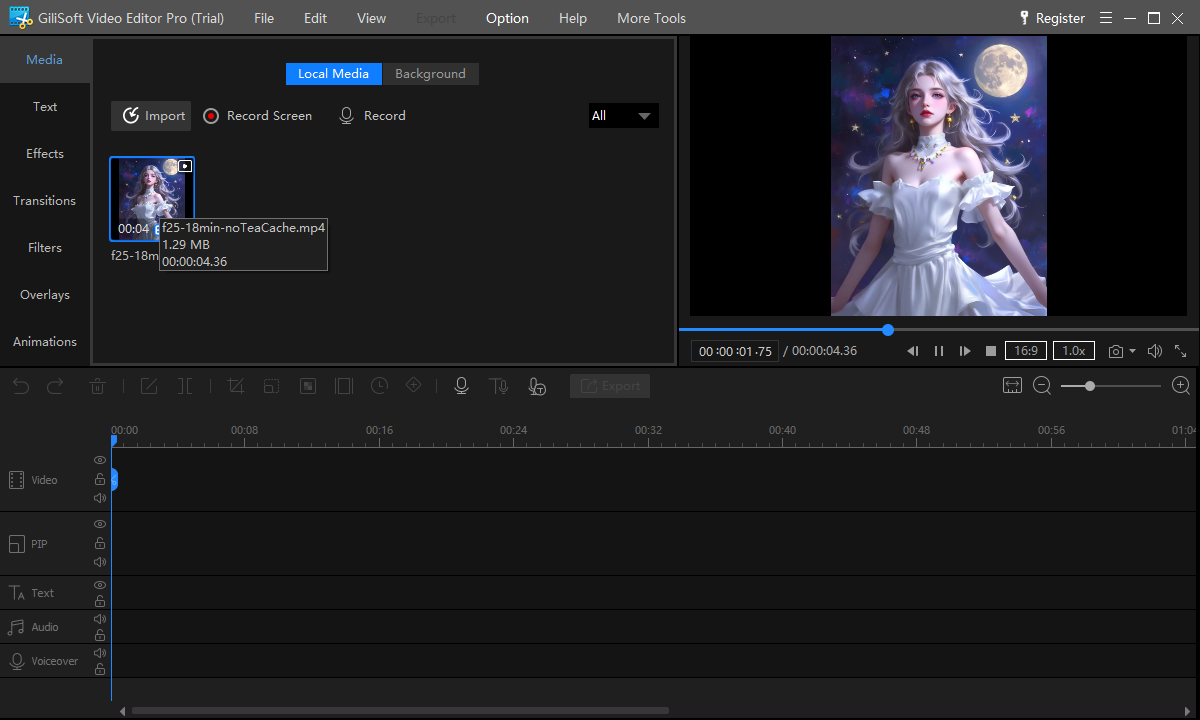
GiliSoft Video Editor Pro combines a recognizable timeline with separate transition, effect, filter, overlay, color, animation, and keyframe areas. That makes it possible to complete the structural edit and then work through visual decisions in a controlled order.
It also includes focused cutters, joining, crop, watermark, audio, compression, and conversion tools for corrections that do not require reopening a large project. The product should be evaluated with your own codecs, footage length, effects, hardware, and export targets because complex processing can affect preview and export time.
What is the difference between a transition and an effect?
A transition controls the change between adjacent clips. An effect changes the appearance or behavior of a selected clip or visual element.
Should every cut have a transition?
No. Use a direct cut when action, time, and place continue clearly. Add a transition when it communicates a meaningful change or supports a consistent visual format.
What should I do before applying filters?
Complete the rough cut and correct basic framing, exposure, contrast, and color inconsistencies. Then evaluate a filter against representative clips and reduce its intensity when necessary.
What are keyframes used for?
Keyframes define values at specific times. With at least a start and end value, a supported property such as position, scale, opacity, color, or audio can change over time.
Why does a transition reveal an unwanted frame?
A transition may use material around the edit point. Trim the clips carefully and leave suitable source frames so the overlap does not expose a mistake or unrelated moment.
Can I try GiliSoft Video Editor Pro before buying?
Yes. Download the trial and test transitions, effects, filters, overlays, color, keyframes, preview performance, and export with your own footage.