

Video Watermark Cleanup Software for Windows
Use this workflow to choose between quick, text, subtitle, and freehand cleanup for authorized footage. Keep the source, test the most difficult section, and verify the exported result.
Quick answer
Match the cleanup mode to the visible element: use timed quick removal for a fixed mark, Text Removal for a label or timestamp, Subtitle Removal for a caption band, and freehand tools for an irregular area. Test the hardest section first and export a separate result.
Choose the Right Workflow
| Situation | Recommended approach | What to verify |
|---|---|---|
| Fixed mark, simple background | Tight timed region with quick cleanup | Edges, shadow, start and end frames |
| Text or timestamp | Text region with complete character extent | Changing digits, punctuation, and contrast |
| Irregular or detailed mark | Freehand or AI-assisted reconstruction | Flicker, texture, motion, and invented detail |
| Clean source available | Replace the marked source instead of reconstructing it | Correct version, rights, and quality |
Step-by-Step Workflow
- Confirm authorization and preserve the source
Work only with video you own, created, licensed, or may edit. Keep the untouched file as the reference.
- Inspect the complete mark
Watch the full clip for changes in position, size, opacity, shadow, animation, and appearance intervals.
- Choose and mark the smallest complete region
Select quick, text, subtitle, freehand, or AI-assisted treatment and include every visible edge without covering unnecessary content.
- Test the hardest section first
Process a short segment with motion, texture, transitions, or maximum opacity and inspect it frame by frame and at normal speed.
- Export a separate result
Review the beginning, every active interval, scene transitions, the ending, audio, duration, and playback outside the application.
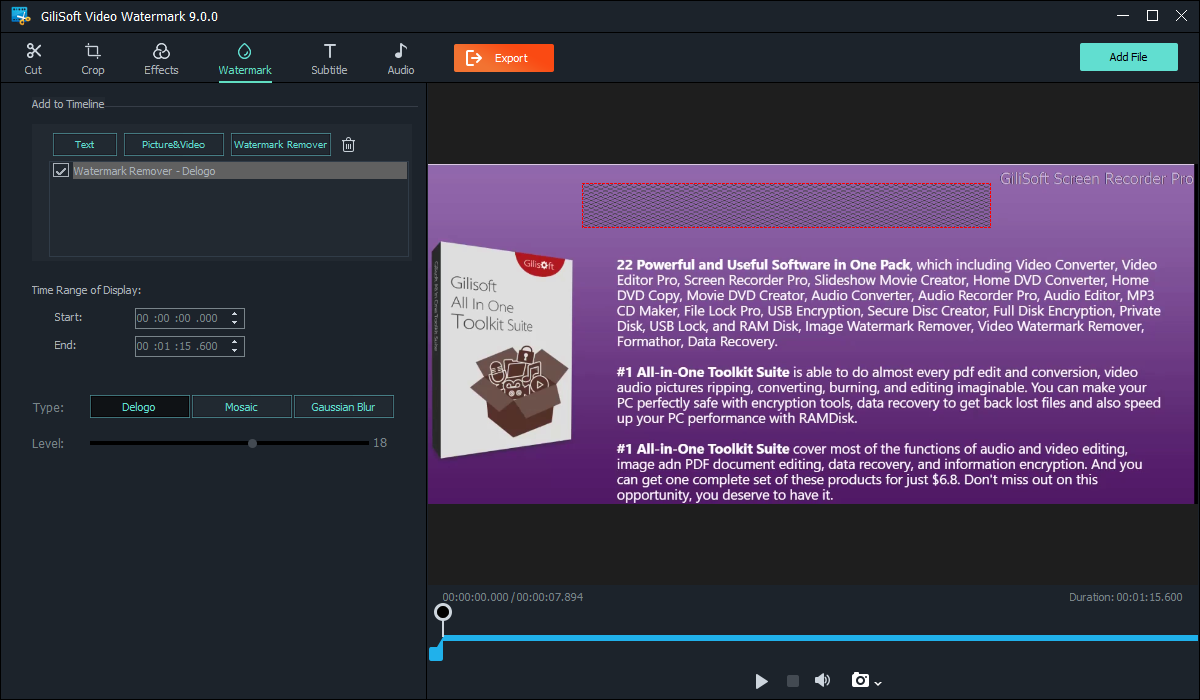
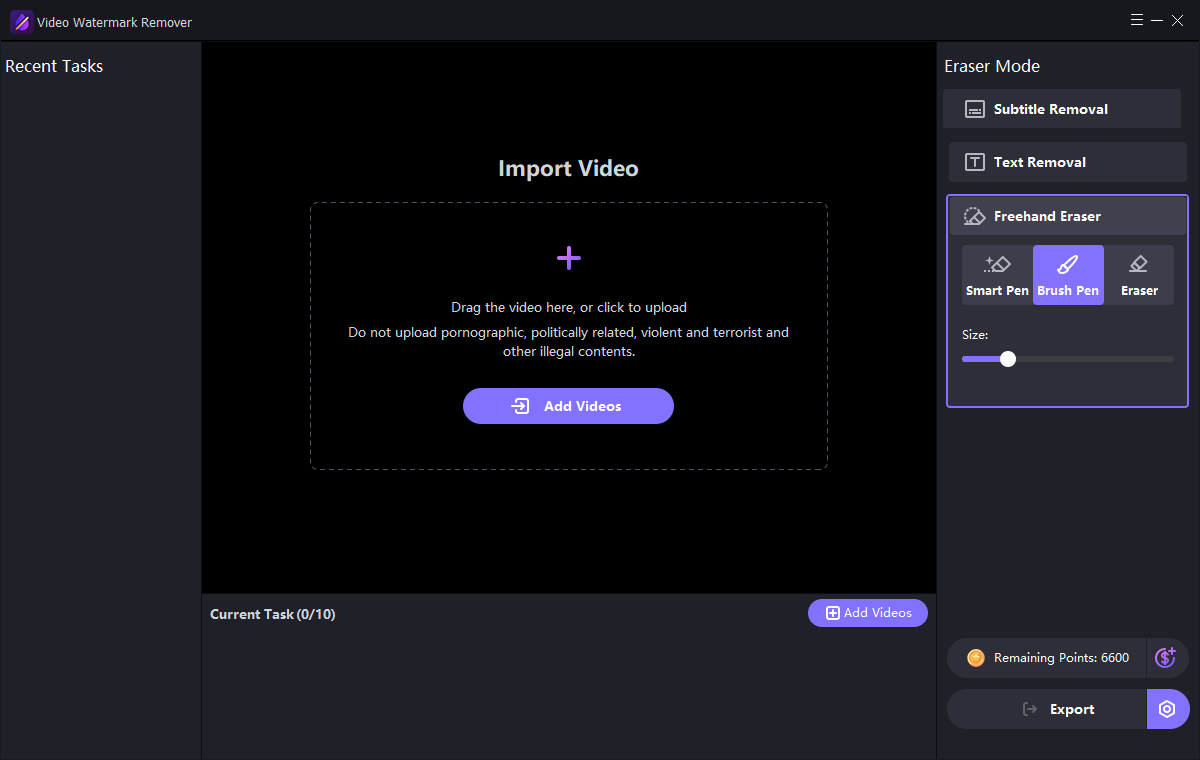
Use the GiliSoft Watermark Remover Workspace
These are real product interfaces. Controls can change by release, so follow the task logic and preview your own source rather than assuming one setting fits every scene.
Review the Result Before Publishing
| Mode selection | Inspect the complete affected interval at normal speed and on representative paused frames. |
|---|---|
| Complete video | Check transitions, repeated appearances, captions, audio, duration, and the ending rather than only the first scene. |
| Delivery file | Play the exported file outside the application and verify the actual publishing or client-delivery asset. |
Frequently Asked Questions
Can a watermark be removed without any visual change?
Only a clean source preserves the original hidden pixels. Cleanup methods hide or reconstruct the marked region and may leave visible differences.
Why should the mask stay small?
A larger mask requires more background to be blurred or reconstructed and increases the chance of a visible patch.
When should I use AI-assisted cleanup?
Use it for authorized difficult marks over texture or motion after testing a short representative section.
Should I overwrite the source video?
No. Keep the original and export a separate edited result so quality, rights, and provenance can be reviewed.
Why must I check the exported file?
A preview does not prove the final codec, timing, mask, captions, cache, or publishing asset is correct.