
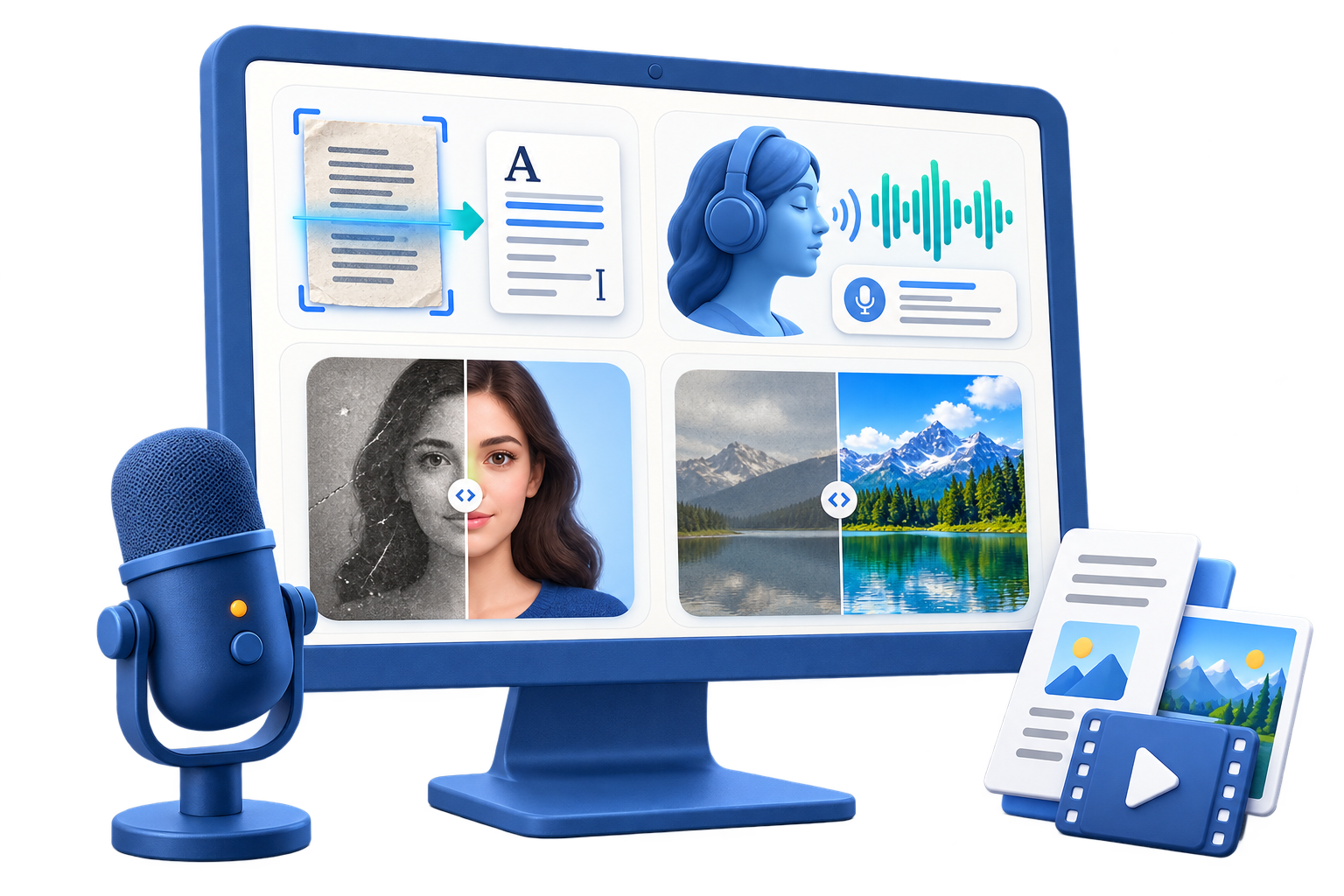
AI Tools for Images and Speech on Windows
Use this workflow to choose the right image, OCR, speech, or voice utility without treating every AI task as the same workflow. Different inputs require different tools and review methods.
Quick answer
Start with the input and required output: use OCR when pixels contain text, Speech to Text when audio contains speech, Text to Speech when a reviewed script needs spoken output, and image tools when the visual itself needs repair or transformation. Test one representative file before processing valuable or sensitive material.
Choose the Right AI Workflow
| Input or situation | Recommended approach | Review requirement |
|---|---|---|
| Text visible in an image | OCR / Picture to Text | Compare extracted text with the pixels |
| Spoken words in audio | Speech to Text | Listen and correct the draft |
| Reviewed script needing audio | Text to Speech | Listen for pronunciation, pacing, and meaning |
| Photo needing visual work | Image utility suited to the task | Compare with the untouched source |
Step-by-Step Workflow
- Define the input and output
Identify whether the source is an image, recording, script, or photo and what usable result is actually required.
- Preserve the source
Work on a copy, confirm permission, and avoid placing sensitive material into a tool before understanding its processing and privacy behavior.
- Choose one matching module
Open OCR, Speech to Text, Text to Speech, or the appropriate image utility instead of forcing the source through an unrelated tool.
- Review the generated draft
Compare extracted or generated content with the source and inspect names, numbers, meaning, visual fidelity, and missing information.
- Export a traceable result
Use a clear file name and retain the source, reviewed output, and any notes about uncertainty or generated content.
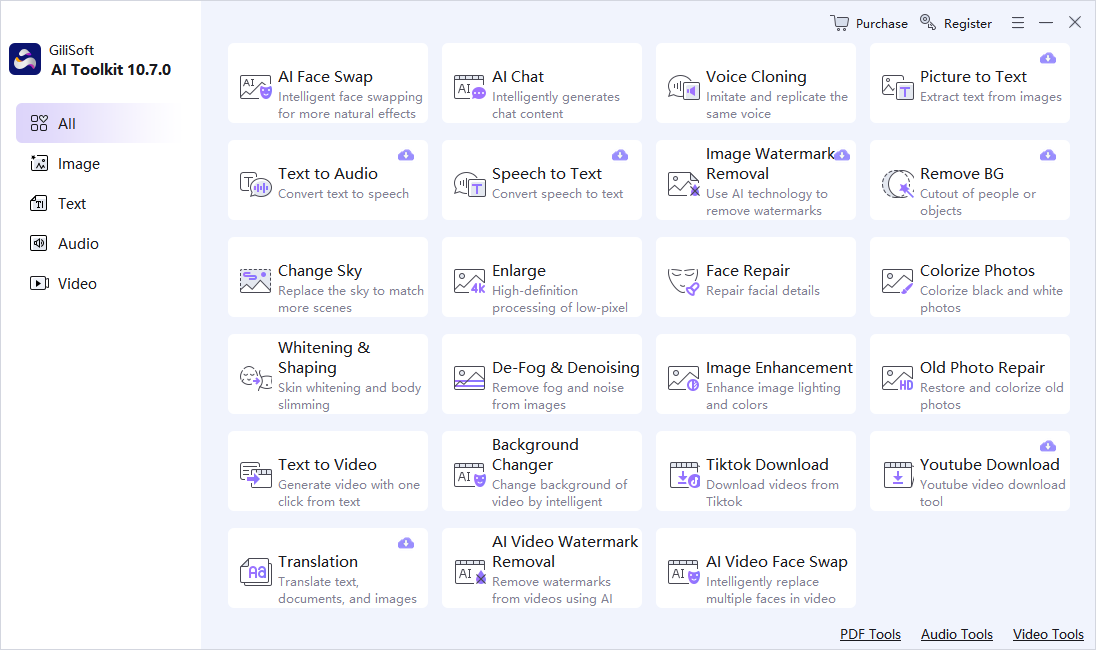
Use the GiliSoft AI Toolkit Workspace
These screenshots show the real dashboard and task workspace. Interface details can change by release, so verify the current controls and processing behavior before using sensitive or important material.

Review Before You Reuse the Result
| Task routing | Compare the complete result with the source instead of reviewing only the easiest section. |
|---|---|
| Names and numbers | Check proper names, dates, quantities, abbreviations, identifiers, and claims manually. |
| Privacy and rights | Confirm permission, remove unnecessary personal data, and understand the current module’s processing path before sensitive use. |
Frequently Asked Questions
Is every tool in the suite used the same way?
No. OCR extracts visible text, Speech to Text transcribes audio, Text to Speech generates audio, and image tools create visual derivatives.
Does one application mean one universal AI model?
No. Treat each module as a separate workflow with its own suitable inputs, limits, and review.
Can I process confidential material safely?
Check the current module’s processing path, privacy terms, storage behavior, and organizational policy before using sensitive content.
Should I keep the source file?
Yes. AI output should be a separate derivative so errors can be checked and the task can be repeated.
Can generated output be used without review?
No. Review requirements depend on risk, but important names, numbers, claims, instructions, and visual details should always be checked.