
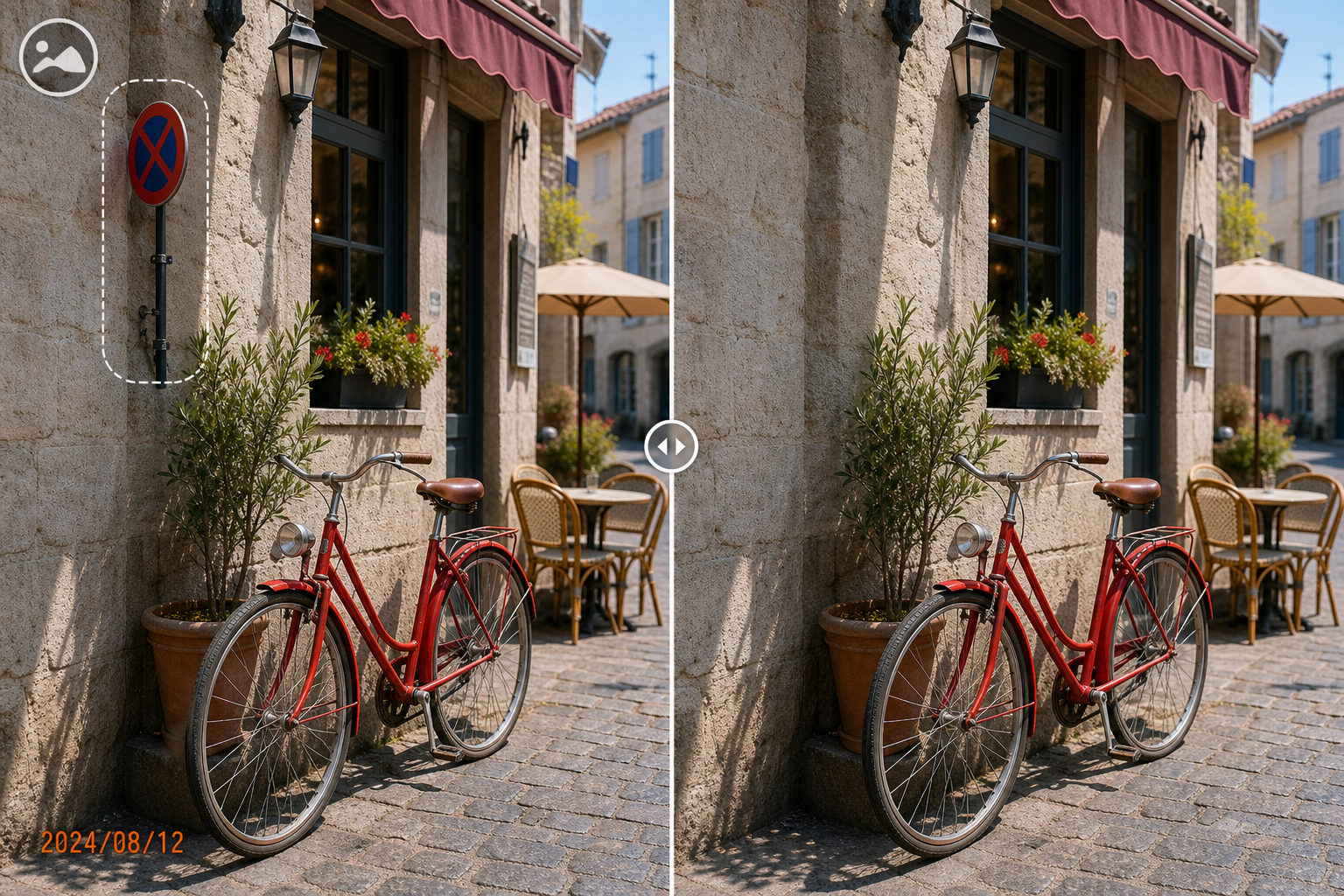
Choose the Right Approach
| Situation | Practical approach | What to protect |
|---|---|---|
| Portrait session | Blemishes and temporary distractions | Do not change identity-defining features without approval |
| Product photography | Dust, labels, obsolete marks, or background distractions | Keep shape, color, and product details accurate |
| Property or event photos | Temporary objects and authorized corrections | Avoid misleading factual changes |
| Confidential client assets | Local controlled access and delivery | Contract, consent, and retention requirements |
Prepare the Photo Workflow
Make the source, authorization, output, and review decisions before changing pixels.
Write the scope
List allowed cleanup, prohibited changes, output sizes, and deadline.
Preserve intake files
Keep the delivered originals unchanged and record their source.
Agree on review
Define who approves drafts and how feedback will be consolidated.
How to Complete the Task on Windows
Work from a preserved source, make controlled changes, and judge the exported result rather than the editor preview alone.
Create source, work, review, and final folders
Use clear separation so drafts cannot be mistaken for approved files.
Copy selected photos into the working set
Process only images included in the current job.
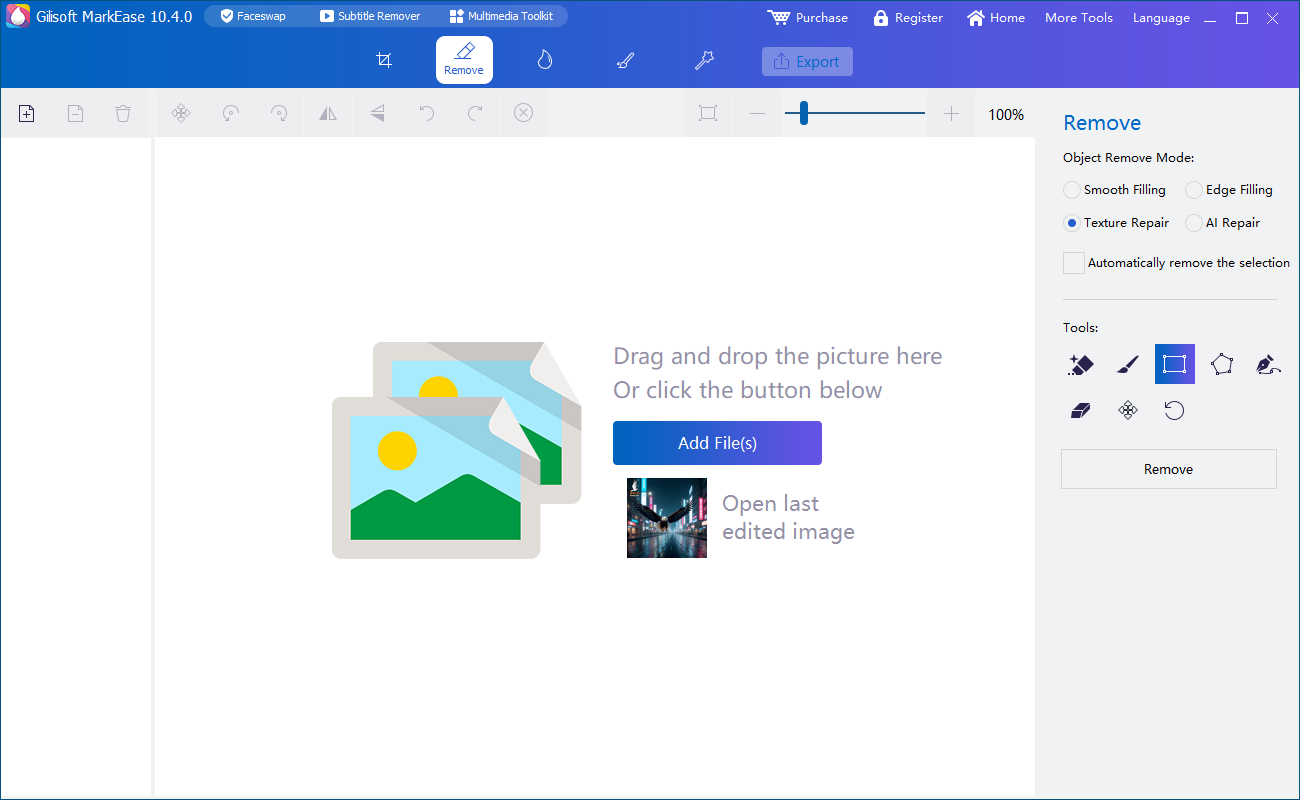
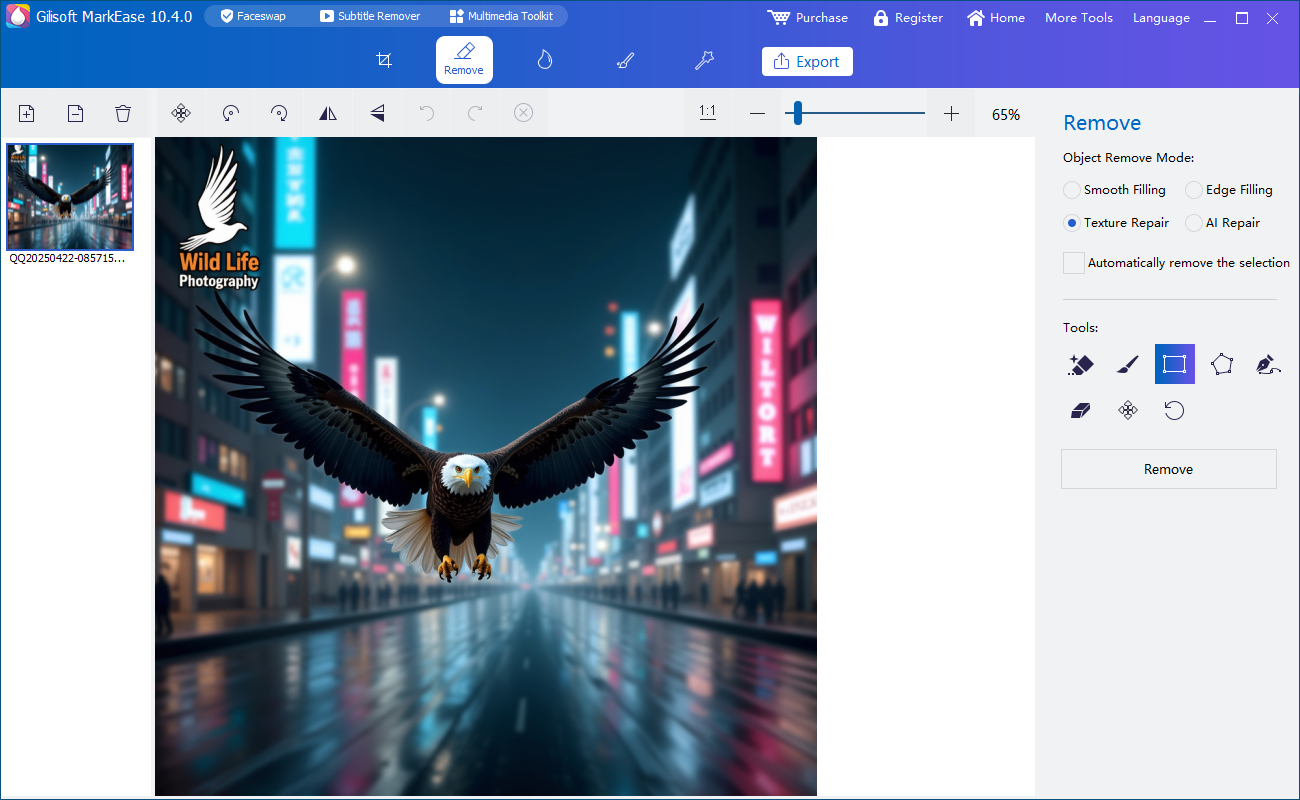
Perform the agreed cleanup in MarkEase
Remove authorized marks or distractions with tight selections and natural reconstruction.
Run an internal quality review
Check edges, texture, color, faces, product accuracy, filenames, and private details.
Export a clearly labeled review set
Use practical review size and collect consolidated, time- or file-specific feedback.
Apply approval and deliver finals
Export the agreed format, verify the package, and follow retention instructions.
Quality Details That Matter
Scope protects both parties
Document what may and may not be changed.
Folder stages prevent mistakes
Source, work, review, and final files should never be ambiguous.
Accuracy matters
Product, property, event, and documentary images must not become misleading.
Approval closes the loop
A technically clean image is not final until the client accepts it.
Where MarkEase Fits
Clean watermarks, date stamps, text, logos, and distracting objects from authorized photos in a local Windows workflow.
Review the GiliSoft MarkEase product page or follow the MarkEase user guide for product-level instructions.
Troubleshooting and Review
- Feedback arrives from several people: ask for one consolidated approval owner.
- Finals and drafts share names: add clear status and revision identifiers.
- Cleanup changes skin or product color: compare against the preserved source.
- A client asks for work outside scope: confirm the change before editing.
- Delivery contains hidden extras: inspect the package, metadata, and folder contents.
Rights, Privacy, and Source Protection
Edit only photos you own or are authorized to modify. Preserve original files, respect client scope and copyright, and review visible details, filenames, metadata, storage, and delivery when privacy matters.
Frequently Asked Questions
Should client originals be overwritten?
No. Preserve intake files and produce controlled working and final copies.
How should revisions be named?
Use a consistent client, project, image, revision, and status pattern that your workflow can understand.
Can local cleanup support confidential client work?
It can reduce unnecessary uploads, but access, storage, review, retention, and delivery controls remain necessary.
Who should approve the final photos?
Use the person or role identified in the client agreement or project brief.
Can I try the recommended software before buying?
Yes. Test GiliSoft MarkEase with representative photos, difficult edges, and required output settings.
Should I keep the original photo?
Yes. Preserve an untouched source and export edited results as separate files.