
Choose the Right Approach
| Situation | Practical approach | What to protect |
|---|---|---|
| Legal or case images | Authorized workstation and matter folder | Identity, evidence integrity, and access records |
| Medical or HR photos | Approved storage and minimum necessary files | Sensitive personal information |
| Unreleased products | Restricted project folder | Design, schedule, customer, and location details |
| Identity documents | Only when policy permits editing | Document numbers, faces, signatures, and metadata |
Prepare the Photo Workflow
Make the source, authorization, output, and review decisions before changing pixels.
Confirm authorization
Make sure editing and processing are permitted for the image class.
Disable unintended sharing
Check sync, shared folders, previews, and recent-file surfaces.
Plan secure delivery
Choose the approved destination before creating exports.
How to Complete the Task on Windows
Work from a preserved source, make controlled changes, and judge the exported result rather than the editor preview alone.
Copy the minimum necessary files
Do not duplicate an entire archive when only a few images require cleanup.
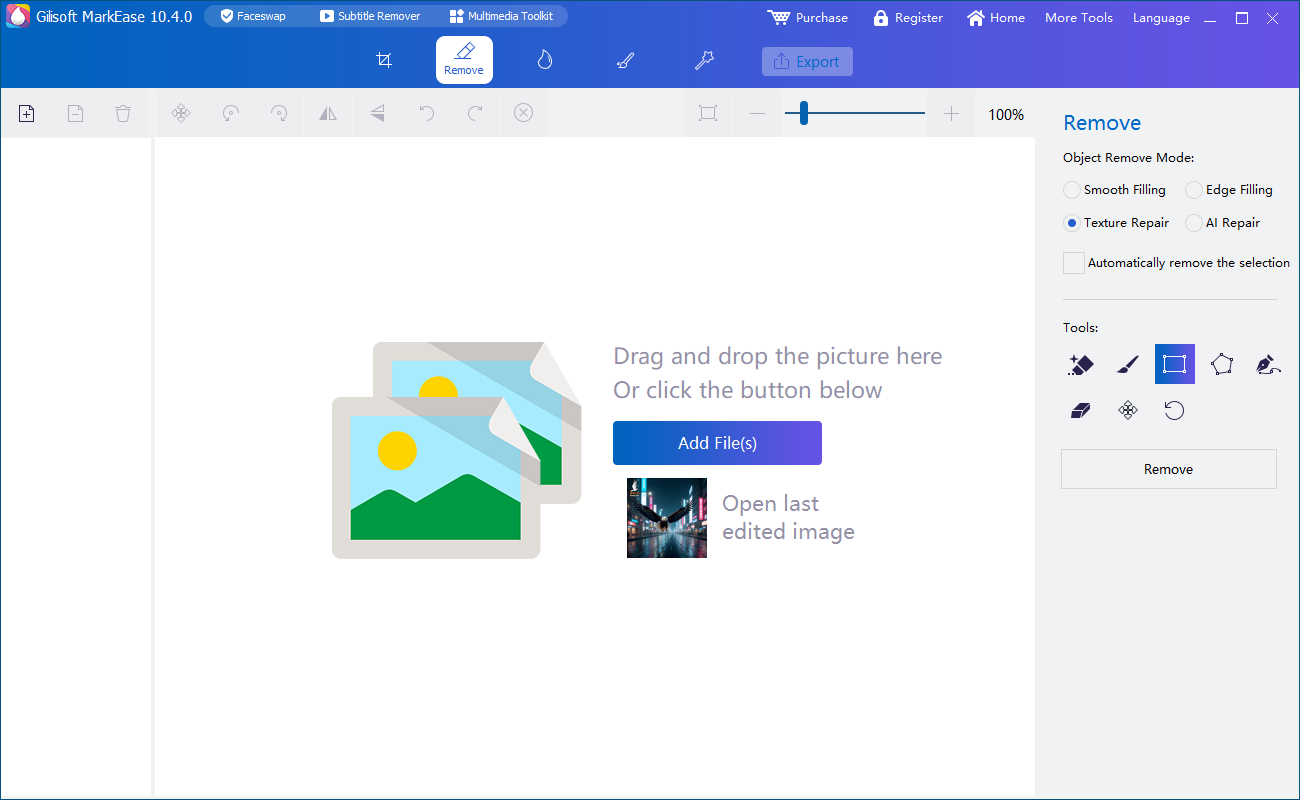
Open the controlled local workspace
Use MarkEase from an approved Windows account and storage location.
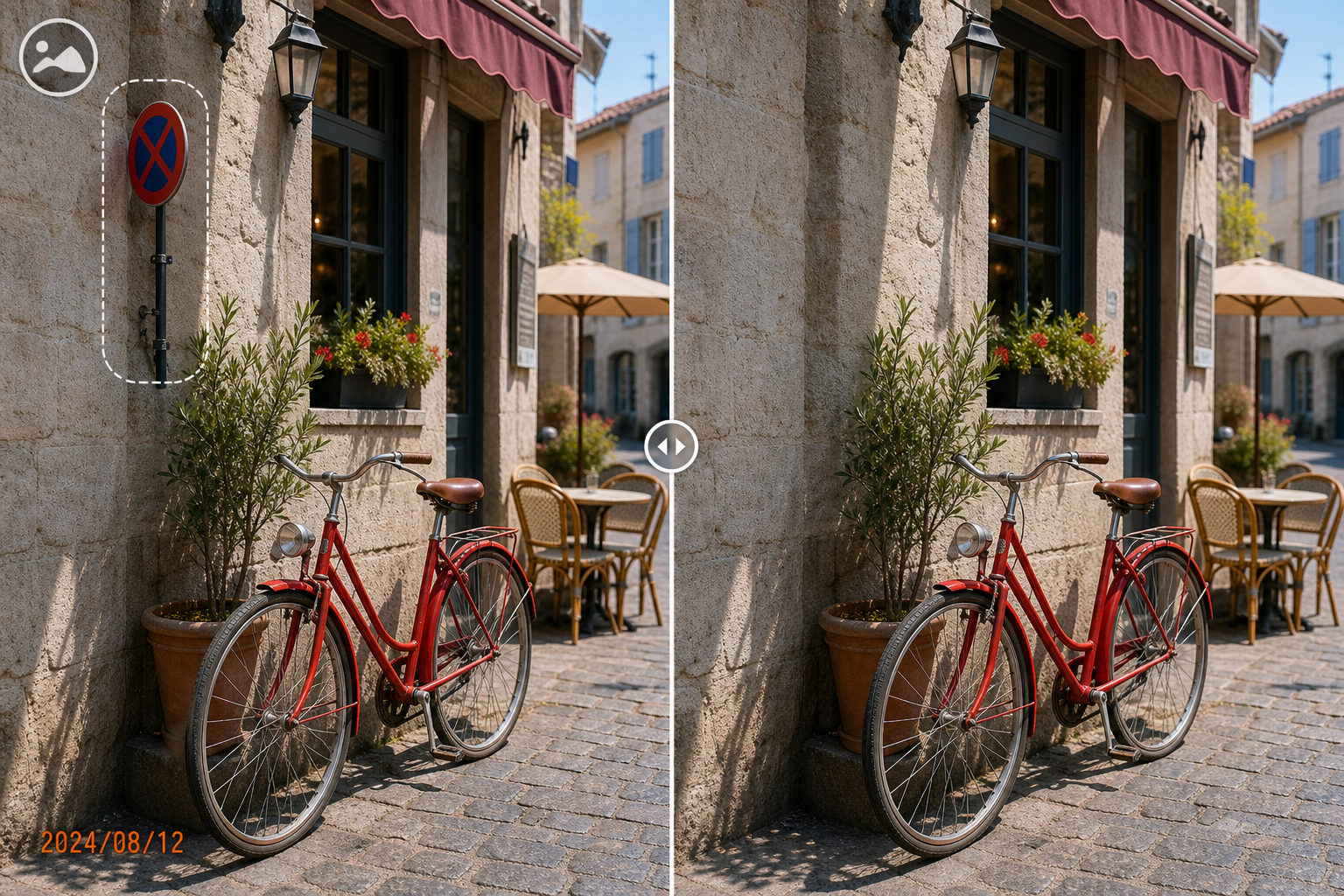
Clean only the authorized regions
Avoid changing evidentiary or factual content beyond the agreed task.
Inspect visible and embedded details
Review faces, screens, labels, locations, filenames, and available metadata.
Export an approval copy
Use a separate destination and a clear status name to avoid mixing drafts with finals.
Deliver and retain according to policy
Send through the approved channel and manage sources, drafts, and outputs under the required schedule.
Quality Details That Matter
Minimum necessary files
Less duplicated data means fewer copies to secure and track.
Controlled accounts and folders
Local processing still needs access boundaries.
Metadata review
The pixels may be clean while filenames or metadata still disclose information.
Approved delivery
The final transfer is part of the privacy workflow.
Where MarkEase Fits
Clean watermarks, date stamps, text, logos, and distracting objects from authorized photos in a local Windows workflow.
Review the GiliSoft MarkEase product page or follow the MarkEase user guide for product-level instructions.
Troubleshooting and Review
- The project appears in cloud recent files: review sync and application history settings.
- A draft reaches the wrong folder: separate working, review, and final destinations.
- Cleanup changes factual evidence: stop and return to the authorized scope.
- Metadata is not required: remove it only when policy and client instructions permit.
- Backups conflict with deletion requests: follow the formal retention process.
Rights, Privacy, and Source Protection
Edit only photos you own or are authorized to modify. Preserve original files, respect client scope and copyright, and review visible details, filenames, metadata, storage, and delivery when privacy matters.
Frequently Asked Questions
Is local cleanup safer than uploading every photo?
It can reduce unnecessary transfer exposure, but local devices, folders, backups, and delivery still need protection.
Can confidential images be batch processed?
Only when authorization, grouping, review, and destination controls are appropriate for the whole set.
Should metadata always be removed?
No. Keep or remove it according to the project purpose, policy, and evidentiary requirements.
Can the source archive remain read-only?
Yes. A read-only or separately protected source helps preserve the original.
Can I try the recommended software before buying?
Yes. Test GiliSoft MarkEase with representative photos, difficult edges, and required output settings.
Should I keep the original photo?
Yes. Preserve an untouched source and export edited results as separate files.