
How to Create a Video Collage on Windows
A useful video collage is more than several clips squeezed into one frame. Each panel needs a stable position, readable crop, coordinated timing, and an intentional audio plan.
Quick answer
In GiliSoft Video Editor Pro, create a project at the final aspect ratio, place the main clip on the video track, add other clips to overlay tracks, resize and position each panel, then synchronize and export.
Plan the Collage Before Editing
| Source or goal | Editing approach | Check carefully |
|---|---|---|
| Two-person comparison | Use two balanced panels | Eye line, crop, and synchronized timing |
| Product or process comparison | Use one primary panel and smaller overlays | Keep labels and details readable |
| Social grid | Set 1:1 or 9:16 before arranging clips | Safe margins and mobile preview |
Complete the Task in Video Editor Pro
- Choose output dimensions and panel count
Set the final aspect ratio first and sketch where each clip will sit. Too many small panels make subjects and text unreadable.
- Build the multitrack layout
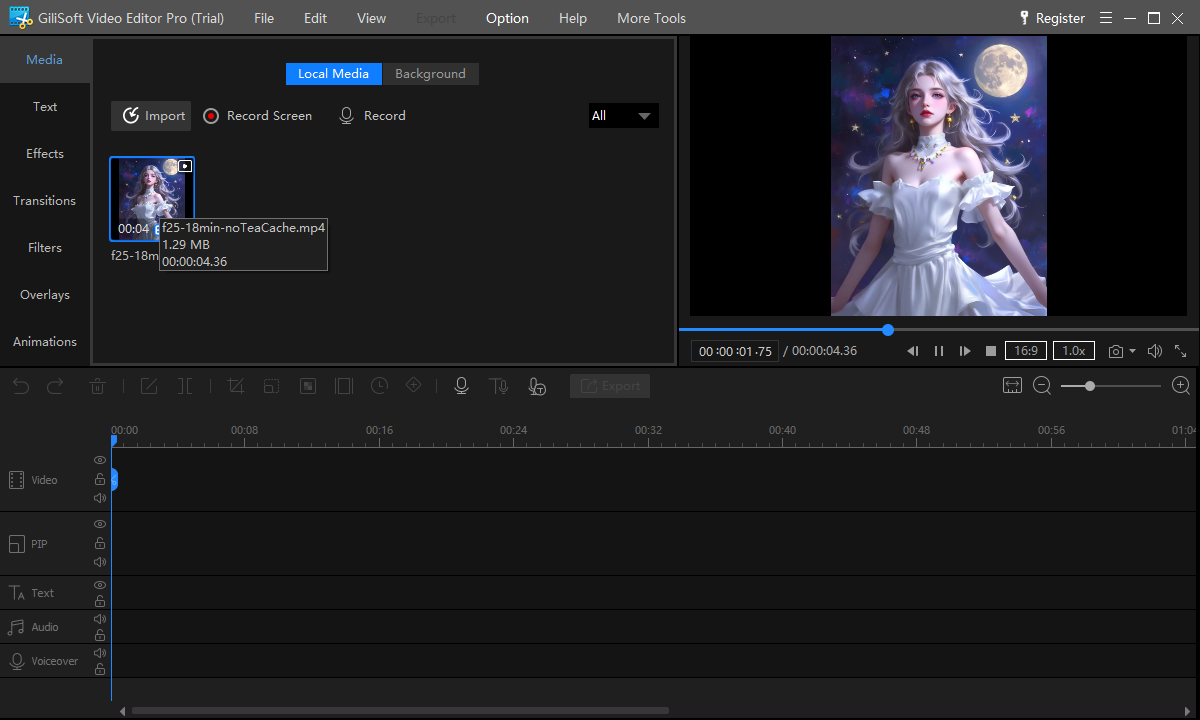
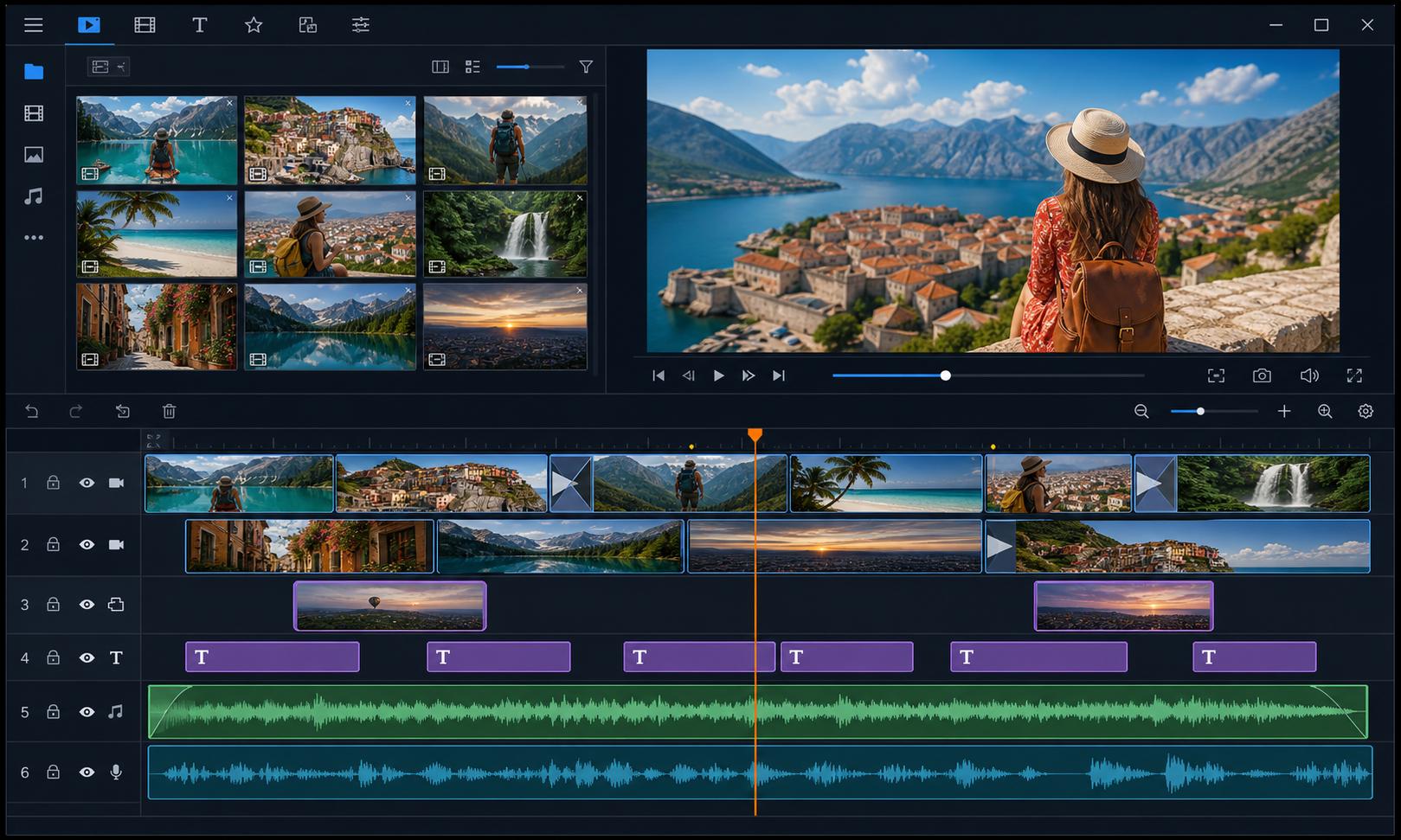
Import authorized clips, place the base clip on the main video track, and add the remaining clips to picture-in-picture or overlay tracks.
- Align timing and sound
Trim each layer, synchronize important actions, add labels where needed, and choose one primary audio source instead of playing every clip at full volume.
- Preview and export
Check borders, gaps, crops, frame rate, and the longest panel transition. Export a sample and play it outside the editor.
See the Video Editor Pro user guide for timeline, text, audio, effects, AI tools, and export controls.
Video Editor Pro Interface
These real screenshots show the relevant multitrack, text, AI, audio, effect, or color workspace.
Review the Export
- Play the generated file outside the editor from beginning to end.
- Check crop, timing, text, audio balance, edges, transitions, and ending frames.
- Compare resolution, frame rate, aspect ratio, and file size with the destination requirements.
- Keep source rights, project files, and final export versions organized.
Frequently Asked Questions
How many videos should I place in one collage?
Use only the number that stays readable at the final display size; two to four panels are easier to follow than a crowded grid.
Should every panel keep its original audio?
Usually no. Choose a primary track or mix sources deliberately to avoid competing speech.