
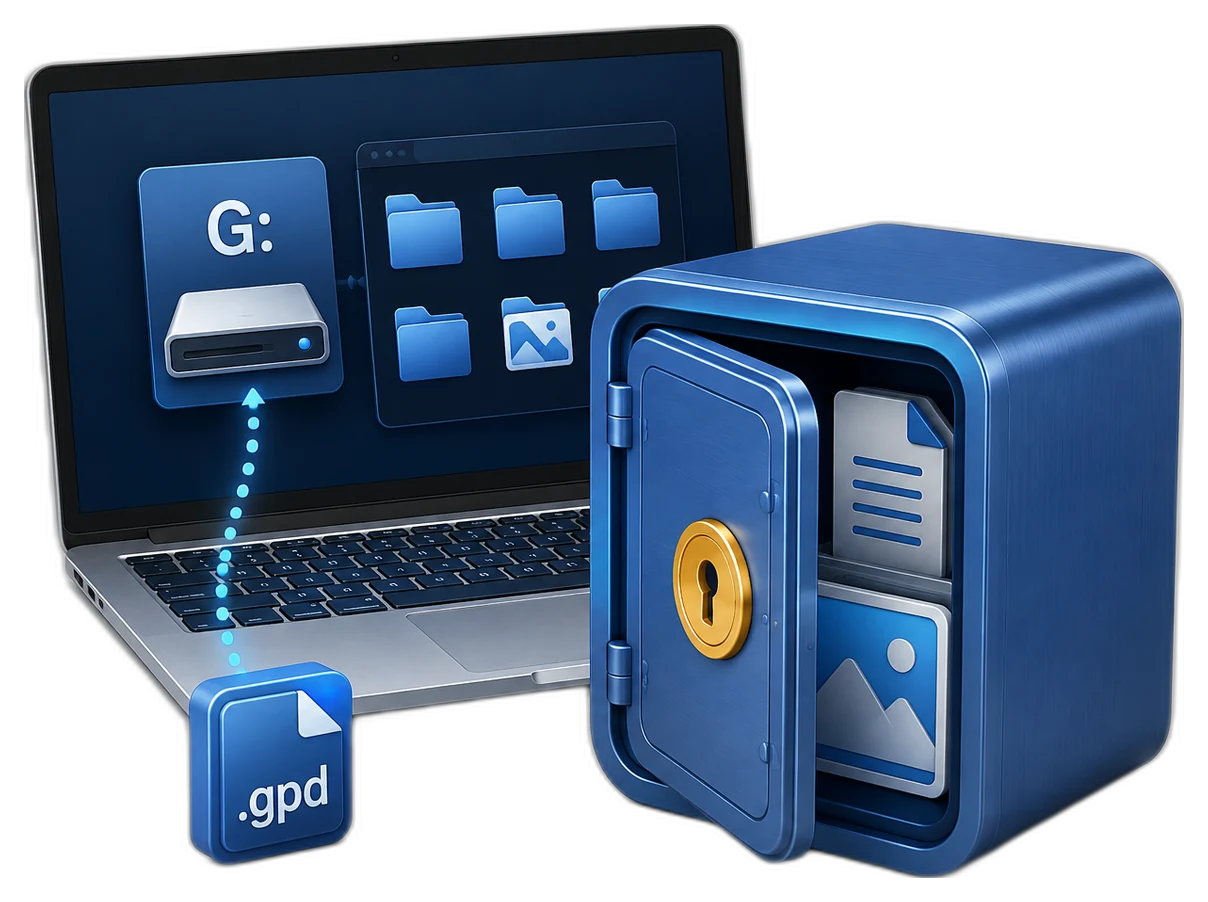
Organize Storage by Confidentiality and Workflow
| Situation | Recommended approach | Why it fits |
|---|---|---|
| Personal identity and finance records | Dedicated personal locker | Keeps sensitive records out of ordinary folders |
| Client or legal documents | Locker by client or matter | Supports clearer access and retention decisions |
| HR or internal business files | Restricted business locker | Separates confidential work from general project data |
| Temporary delivery copies | Controlled export workflow | Avoids leaving untracked plain duplicates |
Classify Files Before Encrypting Them
Define the category
Know whether the locker holds personal, client, finance, HR, or project records.
Assign an owner
Someone should be responsible for access, backup, retention, and secure disposal.
Review duplicate copies
Locate Downloads, email attachments, exports, and temporary folders that may contain plain copies.
Set retention rules
Encryption protects stored data but does not decide how long it should be kept.
Build Encrypted Storage for Confidential Files: Step by Step
Inventory the confidential files
List file types, locations, owners, retention needs, and authorized users.
Create a purpose-specific locker
Set the container location, capacity, name, and strong unique password.
Copy and verify the files
Move files in manageable groups and confirm they open correctly inside the private disk.
Control working copies
Save edits inside the locker and limit exports to ordinary folders or email staging areas.
Close the storage after work
Close files and applications, then close the locker and verify the private drive is unavailable.
Back up and review access
Copy the closed container to protected storage and periodically review ownership and recovery.

Protect the Complete Information Lifecycle
Collection
Store only files that belong in the defined confidential category.
Active use
Protect the unlocked Windows session and keep work inside the mounted disk.
Sharing
Create only approved delivery copies and track where they go.
Retention and disposal
Follow legal, business, and privacy requirements when data is no longer needed.
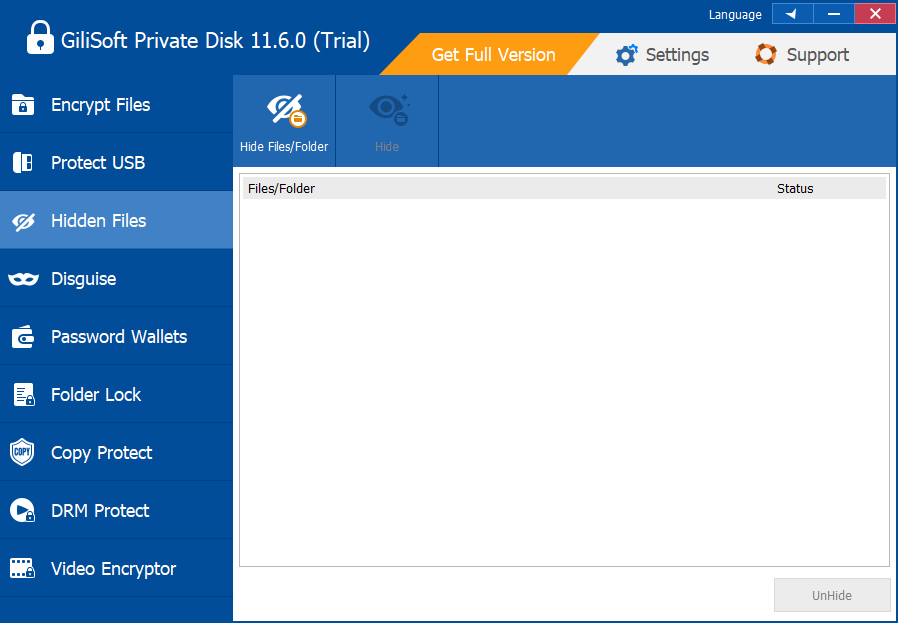
Centralize Confidential Files with GiliSoft Private Disk
GiliSoft Private Disk provides a dedicated encrypted workspace for confidential records instead of relying on scattered folder passwords or visibility tricks. Its open, work, close model also makes it easier to define a repeatable daily handling process.
Troubleshooting
- Files exist in several plain folders: inventory and verify each copy before approved cleanup.
- Applications save autosave files elsewhere: review application settings and temporary locations.
- The locker mixes unrelated records: create separate purpose-specific containers where ownership differs.
- No one owns the backup: assign responsibility and test restoration on a schedule.
- A file must be shared: create the minimum approved delivery copy and remove staging copies after confirmation.
Security Boundaries to Remember
Protect the Windows session while the private disk is open. Closing the locker limits ordinary drive access, but no single application replaces operating-system updates, malware protection, access control, full-device security, backup, or an organization security policy.
Frequently Asked Questions
What files belong in encrypted storage?
Identity records, contracts, financial files, HR documents, legal drafts, private media, and sensitive project assets are common examples.
Should all files go into one locker?
Not always. Separate containers can help when ownership, retention, or access requirements differ.
Does encryption prevent accidental deletion?
No. It protects confidentiality, so verified backups are still required.
What about temporary and autosave files?
Review application behavior because plain temporary copies may be written outside the encrypted workspace.
Can I email files directly from the private disk?
Applications may create temporary copies; use an approved sharing process and clean up staging locations.
How should old confidential data be removed?
Follow the applicable retention and secure-disposal policy rather than treating ordinary deletion as sufficient.