
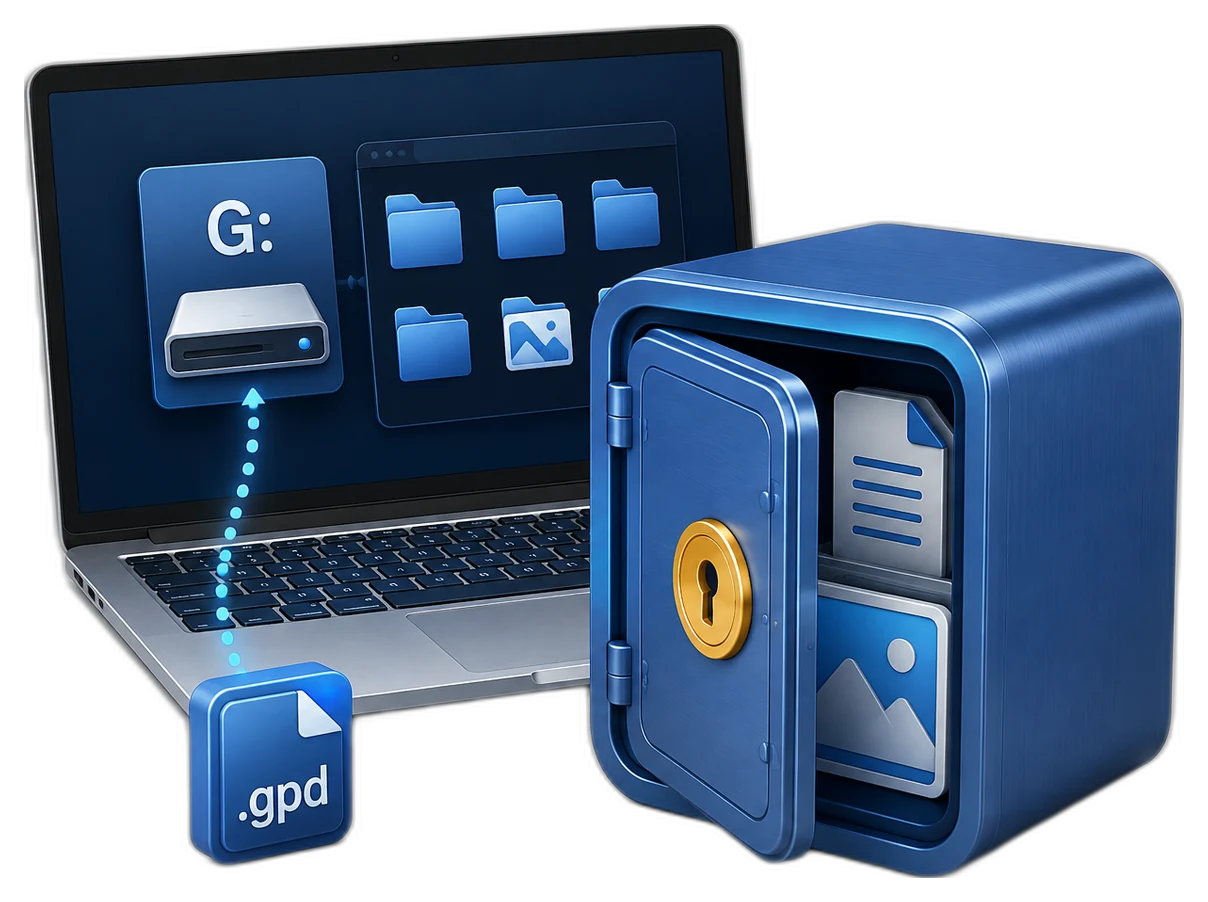
Decide Whether Portable Private Storage Fits the Transfer
| Situation | Recommended approach | Why it fits |
|---|---|---|
| Known Windows PCs | Tested portable private disk | Suitable when the required access workflow is available |
| Mixed Windows and Mac use | Test before deployment | Compatibility and required software may differ |
| One-time approved handoff | Protected delivery copy | Keep source and recovery information elsewhere |
| Only copy of important files | Do not rely on USB alone | Removable media can be lost, damaged, or corrupted |
Prepare the USB Device and Destination Computers
Check capacity and health
Use reliable media with enough free space for the protected data and expected growth.
Test the destination
Confirm operating-system compatibility, permissions, and required software before travel.
Separate the password
Do not place the password or recovery note on the same USB device.
Keep a source backup
Portable media should carry a working or delivery copy, not the sole archive.
Create a Portable Private Disk for USB: Step by Step
Back up the USB device
Copy existing files elsewhere before creating or reorganizing protected portable storage.
Open the portable protection workspace
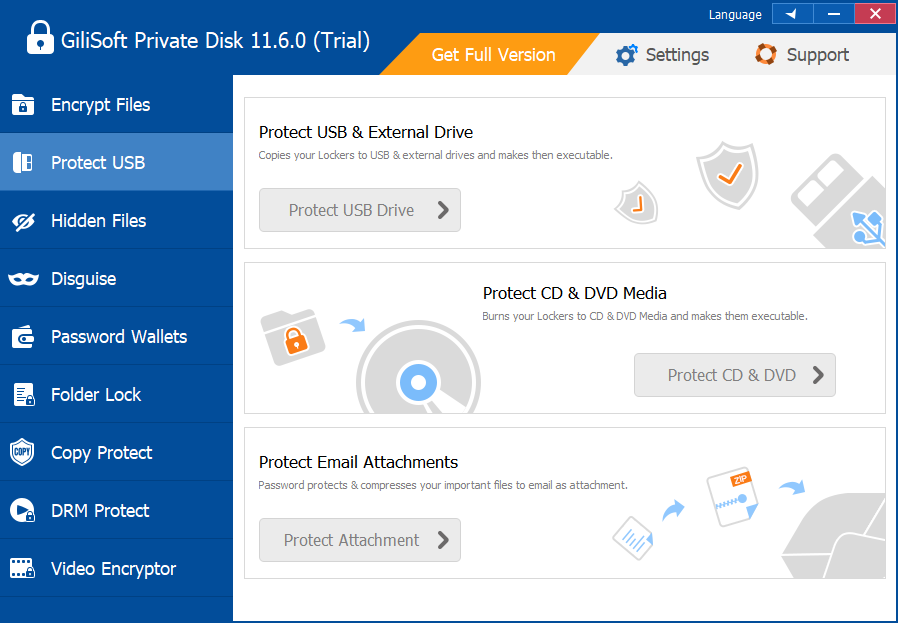
Connect the USB drive and select the appropriate GiliSoft Private Disk portable tool.
Create the protected area
Choose the target drive, capacity, and a strong unique password according to the displayed workflow.
Add only approved files
Copy the required files and verify them inside the protected portable storage.
Test on an authorized destination PC
Confirm the drive can be opened, used, closed, and safely disconnected on the actual destination.
Close and safely eject
Close files and protected storage, wait for writes to finish, and use Windows safe removal.

Portable Encryption Does Not Remove USB Risks
Loss or theft
Encryption helps confidentiality, but the device and workflow still need inventory control.
Media failure
Flash storage can fail without warning, so keep another verified copy.
Compatibility
A destination may lack the software, permissions, or supported Windows environment.
Unsafe removal
Disconnecting during writes can damage the file system or protected container.
Prepare Portable Protection with GiliSoft Private Disk
GiliSoft Private Disk includes portable and offline protection tools for approved file transfer on USB or external storage. Use them as part of a tested delivery process, not as a promise that every computer or operating system will open the protected data automatically.
Troubleshooting
- The destination PC cannot open the storage: verify Windows compatibility, permissions, and required software.
- The USB drive reports errors: stop writing to it and restore from a known backup.
- The container is busy during ejection: close files, applications, and the protected workspace first.
- The password traveled with the drive: move credentials to a separate approved channel.
- The only copy is on USB: create and verify a separate backup immediately.
Security Boundaries to Remember
Protect the Windows session while the private disk is open. Closing the locker limits ordinary drive access, but no single application replaces operating-system updates, malware protection, access control, full-device security, backup, or an organization security policy.
Frequently Asked Questions
Can a portable private disk open on any computer?
Do not assume so. Test the required software, permissions, and Windows environment on each authorized destination.
Will it work on macOS?
The workflow is Windows-centered, so verify cross-platform needs before choosing it for Mac delivery.
Can I keep the password on the USB drive?
No. Keep credentials separate from the removable media.
Does safe eject matter for encrypted storage?
Yes. Closing the workspace and safely ejecting helps prevent incomplete writes and corruption.
What if the USB drive is lost?
Follow the applicable incident process and restore from the separate verified backup.
Should portable media hold the only copy?
No. Removable devices can be lost, damaged, or fail, so maintain another protected copy.