
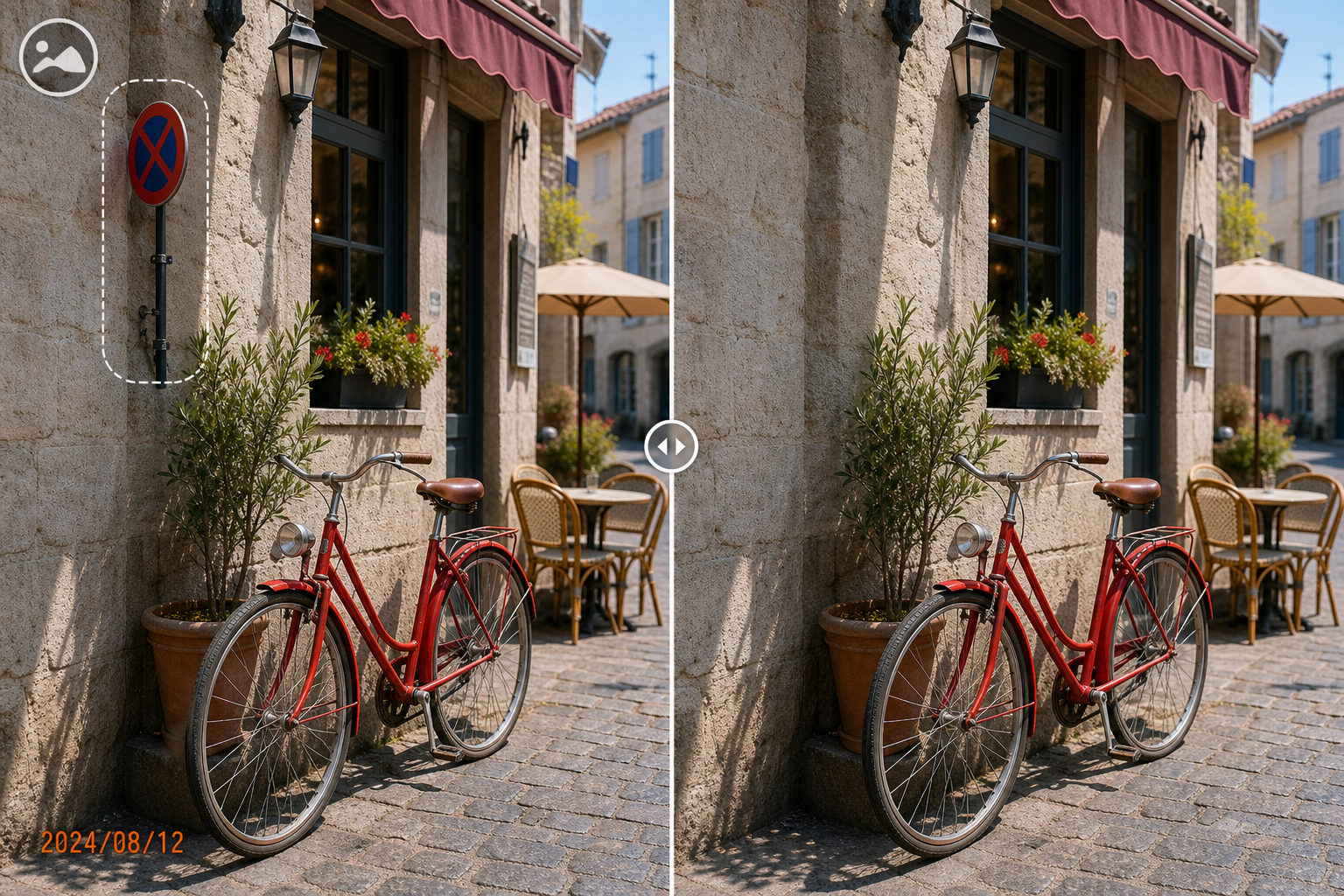
How to Remove Pimples from a Photo Without Overediting
Small spot corrections can make a portrait cleaner without changing the person’s recognizable features. The goal is a restrained photographic edit, not perfectly smooth or artificial skin.
Quick answer
Use a duplicate photo in GiliSoft MarkEase, select each small pimple individually, preview the reconstructed texture, and stop when the portrait still looks like the original person.
Keep the Edit Small and Reversible
| Situation | Recommended approach | Check carefully |
|---|---|---|
| One or two isolated spots | Clean each spot separately | Color, pore texture, and edge blending |
| Spot near lips, eyes, hair, or jewelry | Use extra-small selections | Do not distort defining edges |
| Many areas across the face | Reduce the scope or use a professional retouch workflow | Avoid flattening natural skin texture |
Photo Cleanup Steps in MarkEase
- Use an authorized high-quality portrait
Confirm the subject consents to the edit, preserve the original, and avoid starting from a heavily compressed social-media copy.
- Zoom in and isolate one spot
Open the image in GiliSoft MarkEase and select only the visible spot plus the smallest necessary edge.
- Preview surrounding skin detail
Check texture, color, lighting, freckles, and facial contours. Undo any edit that produces repeating patches or a soft halo.
- Review at normal size
Zoom out and compare the full face with the original. Export a separate derivative rather than overwriting the source.
See the MarkEase user guide for the full removal, crop, annotation, filter, and export workflow.
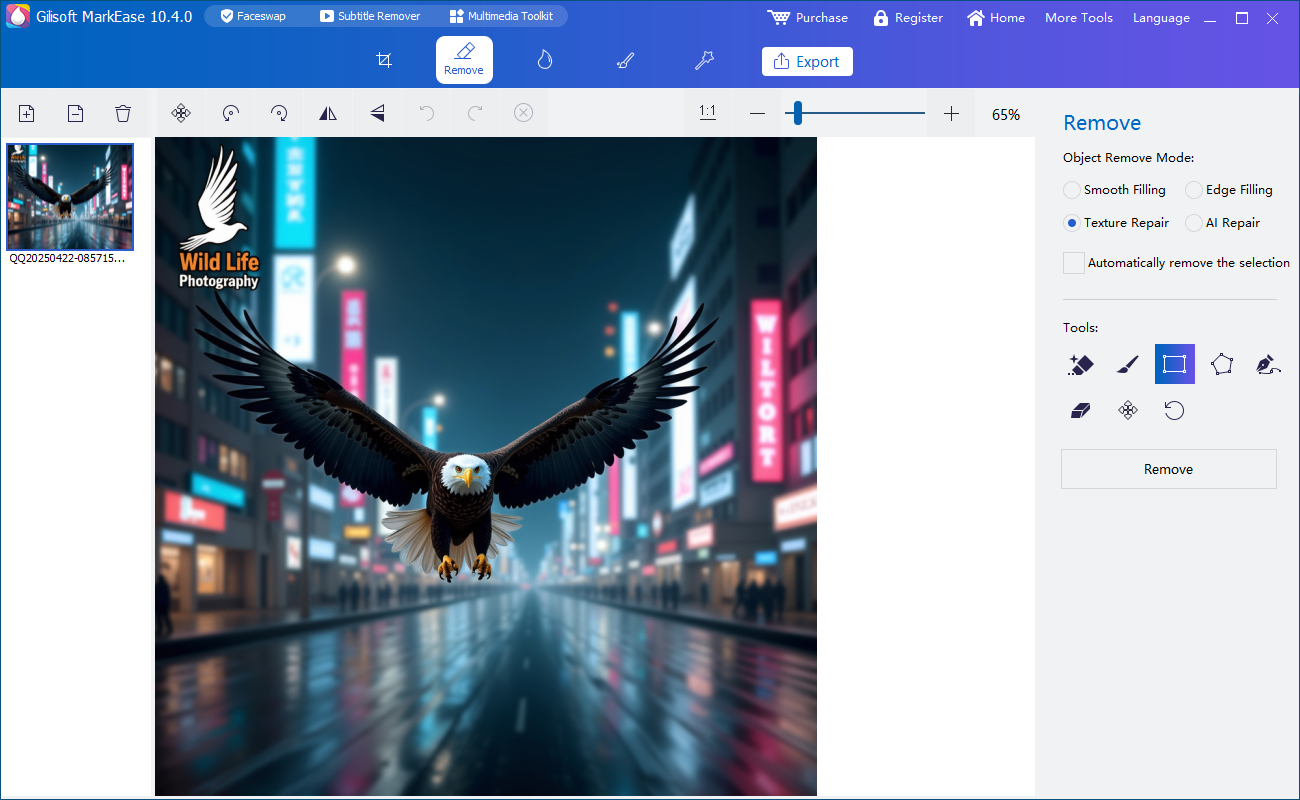
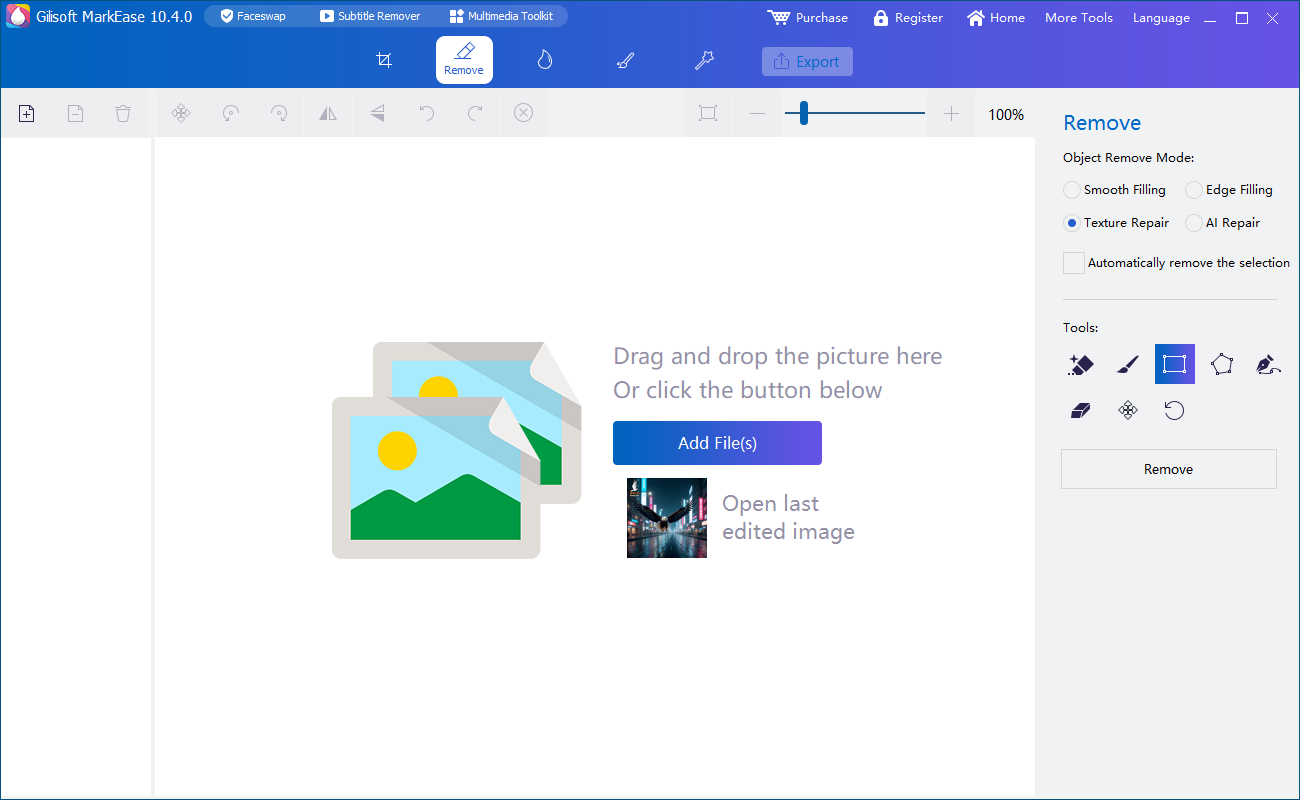
GiliSoft MarkEase Interface
These real product screenshots show the local image workspace and focused removal task.
Review Before You Deliver the Photo
- Compare the derivative with the untouched original at full size and normal viewing size.
- Look for blur, repeated texture, color seams, halos, and damaged edges.
- Keep filenames and folders clear so the edited copy cannot be mistaken for the original.
- Confirm the subject, client, or asset owner authorized the edit and destination.
Frequently Asked Questions
Should I select several pimples in one large area?
No. Small separate selections usually preserve more natural texture.
Can I overwrite the original portrait?
Keep the original and export a derivative so the edit can be reviewed or revised.