
SWF to Video Converter for Windows
Use this workflow to preserve the visible playback of an authorized legacy SWF when its interactive behavior cannot be carried into video. Preserve the best source, choose settings from the destination backward, and verify the complete output.
Quick answer
Treat SWF conversion as capture or rendering of a known playback path, not a full migration of the application. Use an isolated trusted environment, play every required state, record or render the visible result with sound, and retain the original SWF plus documentation. Do not install unofficial Flash Player builds.
Choose the Right Conversion Approach
| Situation | Recommended approach | What to verify |
|---|---|---|
| Linear animation | Render or capture full playback | Beginning, timing, sound, and ending |
| Interactive SWF | Record each required path separately | Buttons and branching are documented, not preserved |
| Untrusted SWF | Do not run on a normal connected workstation | Use approved isolation and security review |
Step-by-Step Workflow
- Preserve the original SWF
Keep the authorized source and related assets unchanged, with file hashes and notes about its expected environment.
- Identify linear and interactive behavior
List scenes, buttons, branches, external data, sound, and the playback path that must be documented.
- Use a controlled trusted environment
Do not install unauthorized Flash Player builds or open unknown SWF files on a normal connected workstation.
- Capture each required playback path
Render or record the visible animation and audio at suitable dimensions and frame rate, one interaction path at a time.
- Verify and document the limits
Check the complete video and record which scripts, controls, forms, links, or branches are not represented.
Use the GiliSoft Video Converter Workspace
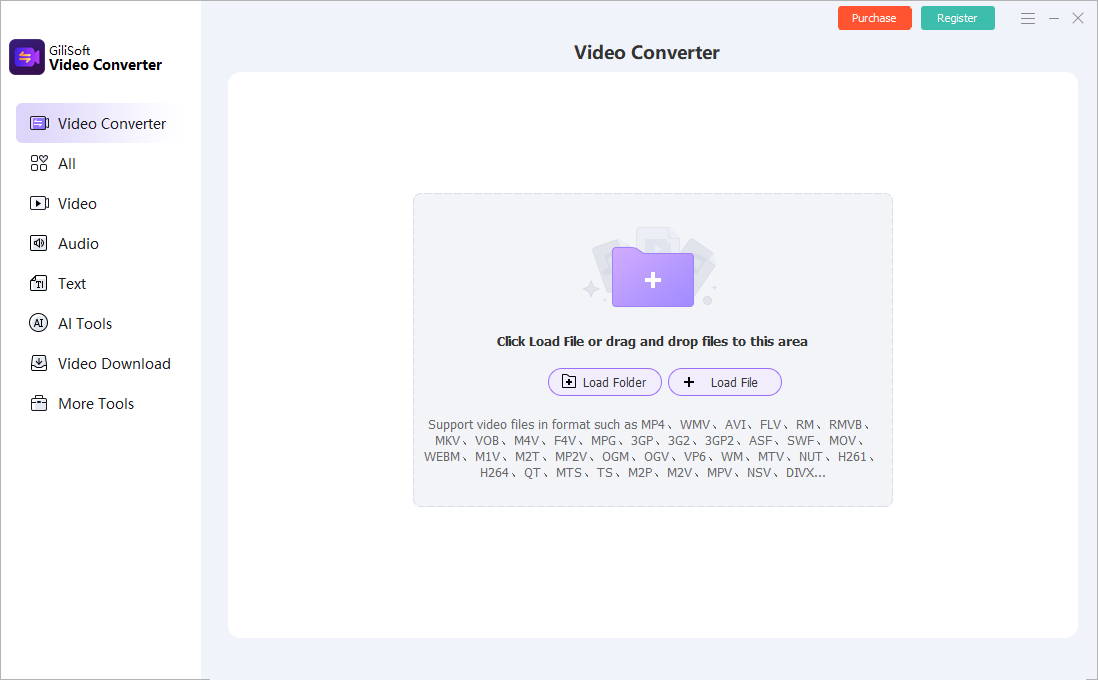
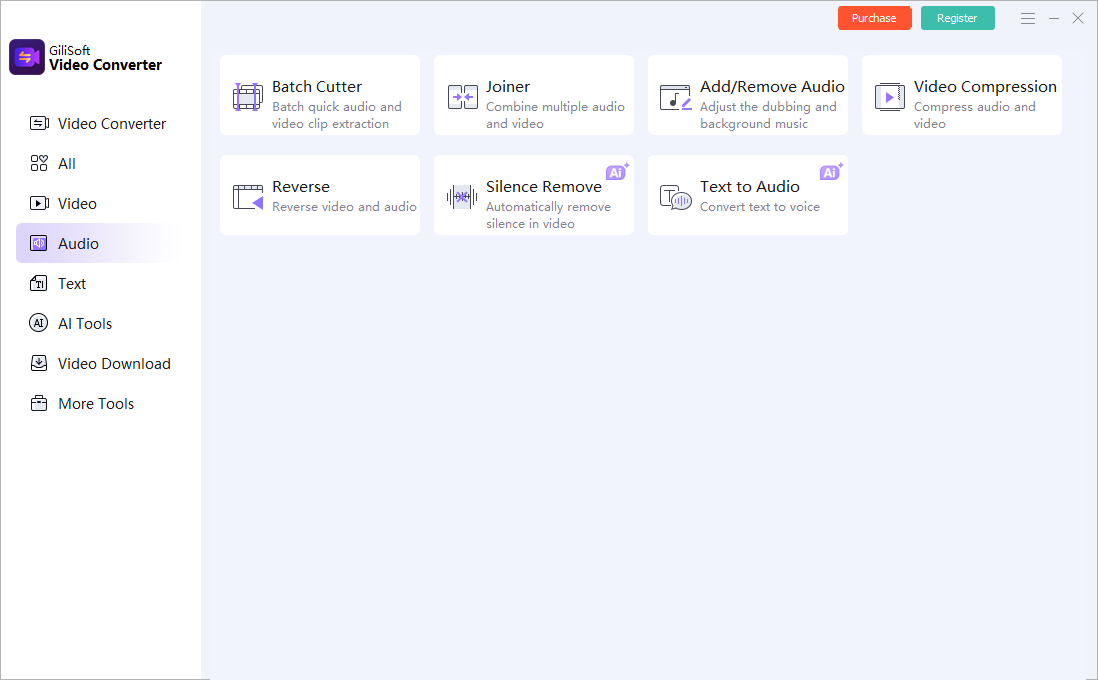
These screenshots show real product workspaces. Presets and controls can change, so inspect the source and test the actual destination instead of treating a preset name as proof of compatibility.
Verify the Output Before Delivery
| Visible playback preservation | Test a representative section and the complete file on the actual destination. |
|---|---|
| Picture and sound | Check aspect ratio, motion, color, audio sync, channels, captions, and readable text. |
| File identity | Confirm the output path, name, size, duration, version, and relationship to the preserved source. |
Frequently Asked Questions
Can video preserve SWF interactivity?
No. Video records one visible playback path and cannot preserve buttons, scripts, forms, branching, or live data.
Should I install an old Flash Player?
Adobe ended support and security updates. Do not install unofficial players or run untrusted SWF files on a normal workstation.
What should be kept besides the video?
Retain the original SWF and dependencies, hashes, environment notes, interaction map, captured paths, and known omissions.
Should I overwrite the source?
No. Keep the source or approved master and create a separate converted output.
Why test outside the converter?
The internal preview does not prove that codecs, tracks, captions, seeking, metadata, and destination playback are correct.