
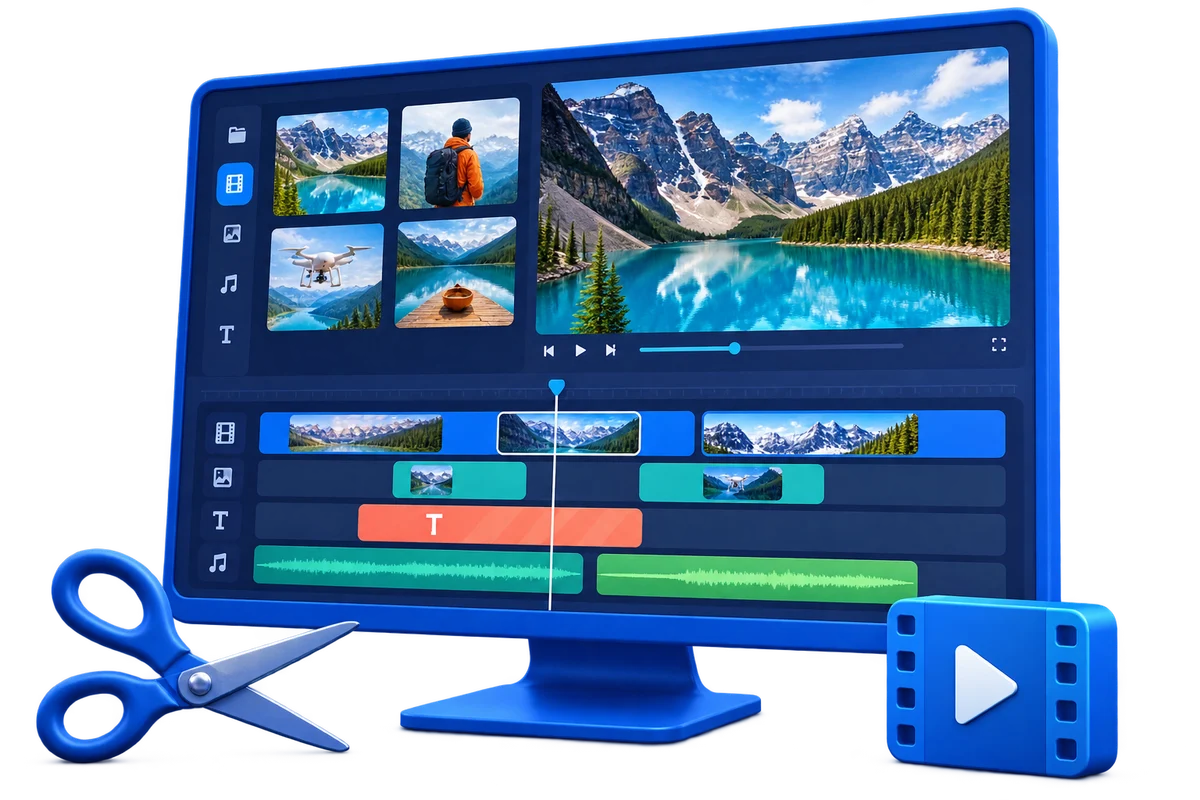
Choose the Right Workflow First
| Approach or project | Best fit | What to protect |
|---|---|---|
| Quick built-in editor | Short personal clips and template-led projects | Fast start with fewer production decisions |
| Video Editor Pro | Layered projects, subtitles, branding, audio, and revisions | More direct control over tracks and finishing |
| Video Converter | Batch compatibility and light edits | Best when output format is the primary goal |
| Screen Recorder Pro | Tutorials, demos, webinars, and live capture | Starts with screen, webcam, and audio acquisition |
Prepare Before Editing
A short preparation pass prevents avoidable rework after timing, text, audio, or output choices have already been made.
Update Windows and graphics drivers
Complete pending updates before a deadline rather than during a large export.
Use a stable project folder
Keep sources, project data, previews, and exports on reliable local storage.
Test one representative clip
Confirm video, audio, orientation, and performance before importing the full project.
How to Complete the Workflow on Windows
Follow the steps in order and delay decorative work until the structure and essential sound are stable.
Define the Windows 11 project
Choose the audience, frame shape, duration, resolution, and delivery format.
Import and inspect source files
Check phone footage, screen recordings, camera clips, images, narration, and music for compatibility.
Assemble and trim the story
Arrange the useful material, remove mistakes and waiting time, and keep pacing appropriate to the viewer.
Refine picture and sound
Correct framing and color where needed, then balance speech, source sound, and music.
Add subtitles, text, overlays, and transitions
Use each element to explain, identify, or connect content while keeping the frame readable.
Export and test on the target device
Review the actual file in Windows and on the destination platform before deleting sources or closing the project.
Prepare Windows 11 for Reliable Editing
Storage headroom
Video sources, cache data, previews, and exports can require much more space than the final file.
Consistent source settings
Mixed frame rates, resolutions, and orientations need an intentional project plan.
Readable interface scaling
Choose a Windows display scale that leaves timeline labels and controls comfortable to use.
Real export testing
Judge performance and quality with your own media, not only a small sample project.
Where Video Editor Pro Fits
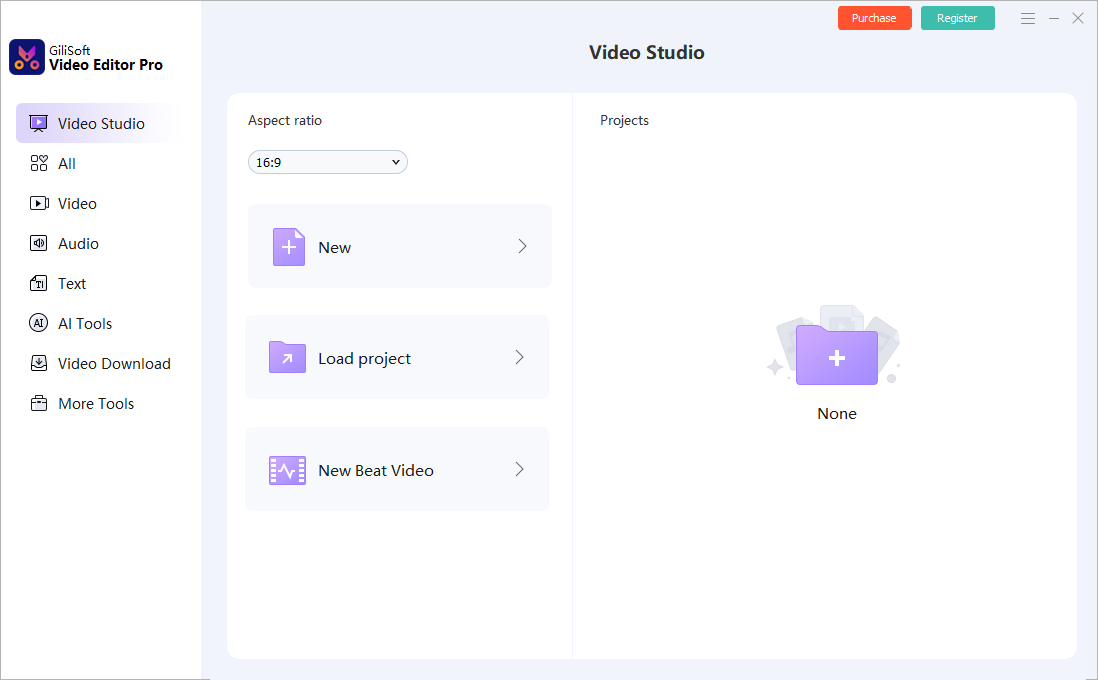
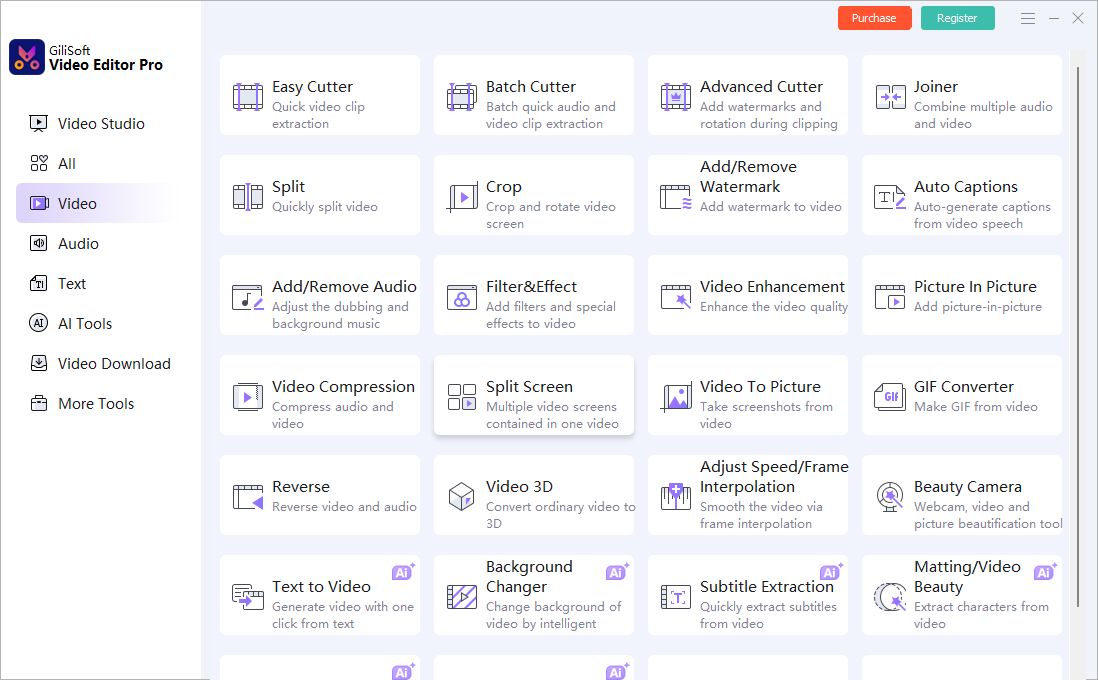
GiliSoft Video Editor Pro is designed for Windows editing projects that need more control than a quick template workflow. Its multitrack workspace and focused tools let users choose the appropriate level of complexity for each job.
Review the GiliSoft Video Editor Pro product page for the current feature overview or use the Video Editor Pro user guide for task-level instructions.
Troubleshooting and Quality Checks
- Preview stutters: close heavy background apps and test lower preview load before changing export quality.
- A phone clip is sideways: correct orientation before placing text and overlays.
- Audio is missing: verify the selected track and playback device before rebuilding the project.
- Export fails near the end: confirm destination space and test a shorter range with the same settings.
- Text is too small: review the output at the size and device where viewers will actually watch.
Test the Complete Windows 11 Workflow
Use a real source clip, a subtitle or text layer, representative audio, and the required output format. A useful trial test reproduces the work you will do after purchase.
Frequently Asked Questions
Does Windows 11 include a video editor?
Yes. Microsoft provides Clipchamp for quick editing. A separate desktop editor may fit projects that need a different multitrack or focused-tool workflow.
Can GiliSoft Video Editor Pro run on Windows 11?
Yes. Test the current trial with your own source formats, graphics environment, and output requirements.
Can I edit vertical video?
Yes. Set the intended frame shape early and keep faces, captions, and important action inside the visible composition.
Can I add subtitles and multiple audio tracks?
Yes. Complete structural edits first, then time subtitles and balance narration, source sound, and music.
Why does preview playback stutter?
High-resolution media, complex effects, storage speed, or competing applications can affect preview performance even when the final export is usable.
Which format is a practical default?
MP4 with H.264 video is widely compatible, but the correct choice depends on the destination and source.