
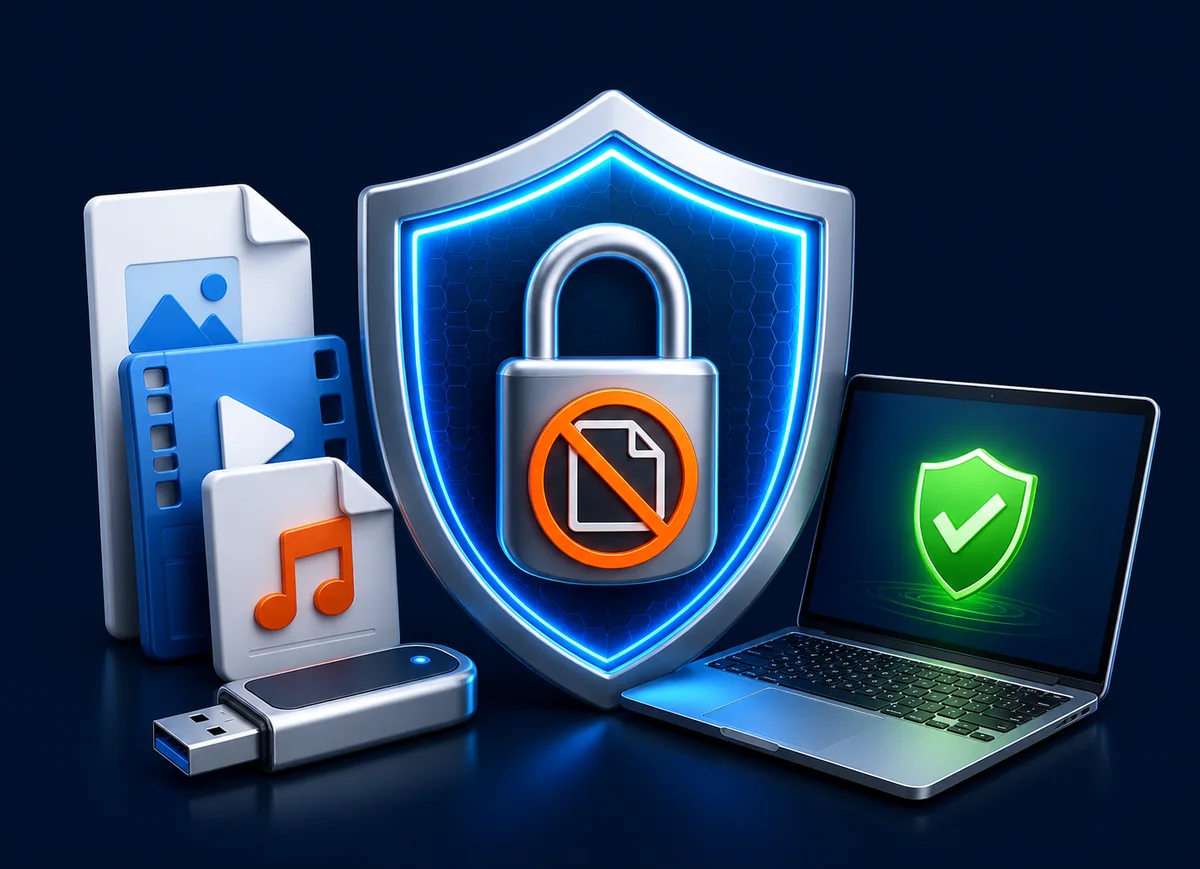
Choose controls based on how the content is sold
| Delivery | Recommended setup | Useful controls | Customer receives |
|---|---|---|---|
| Paid course or media library | GiliSoft Copy Protect | Watermark, expiry, viewing limit, print and copy rules | A protected GCP or EXE library |
| Named client project | Customer-specific package | Client identity, password, PC or USB binding | A release assigned to that customer |
| Demo or evaluation kit | Demo access | Short expiry, limited views, selected files | A time-limited preview |
| Field or distributor kit | Role-specific protected USB | Device binding, selected folders, client rules | An assigned offline package |
| Trusted one-time handoff | Encrypted archive | Strong password and separate password delivery | Ordinary files after extraction |
| Lost-drive confidentiality | USB encryption | Password-protected private area | Normal files after the drive is unlocked |
Build a customer-specific release with GiliSoft Copy Protect
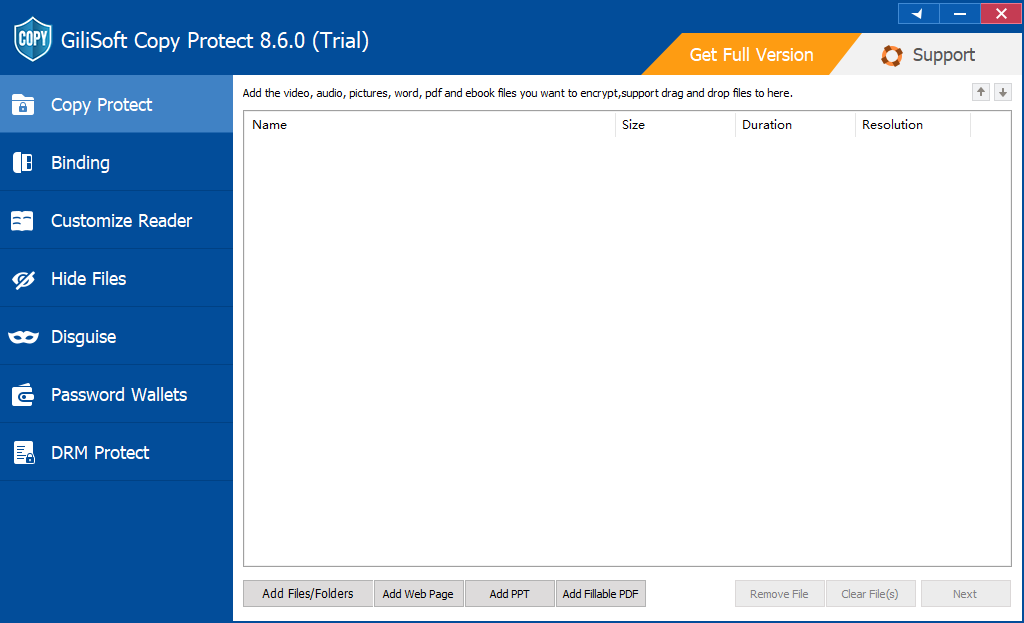
One paid USB may contain videos, PDFs, Office files, images, audio, web pages, and supporting folders. Copy Protect puts supported content into a controlled package so the buyer opens the delivered experience rather than browsing the original asset library.
- Finalize the paid release and remove editable masters, internal notes, unused revisions, private metadata, and files that were not included in the sale.
- Add the final videos, documents, images, audio, web pages, and folders in the order customers should see them.
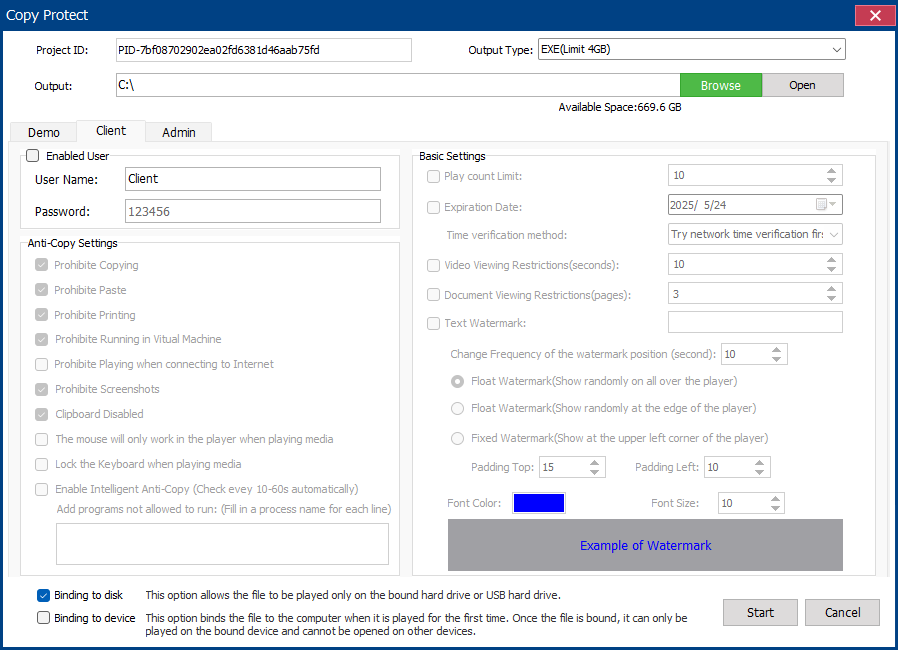
- Choose GCP for the protected-reader format or EXE for a self-running Windows delivery within the 4 GB output limit.
- Set the customer rules. Allow printing or copying only where the product description or license agreement requires it.
- Add a customer, order, company, or license identity; then set watermark, expiry, and viewing limits where appropriate.
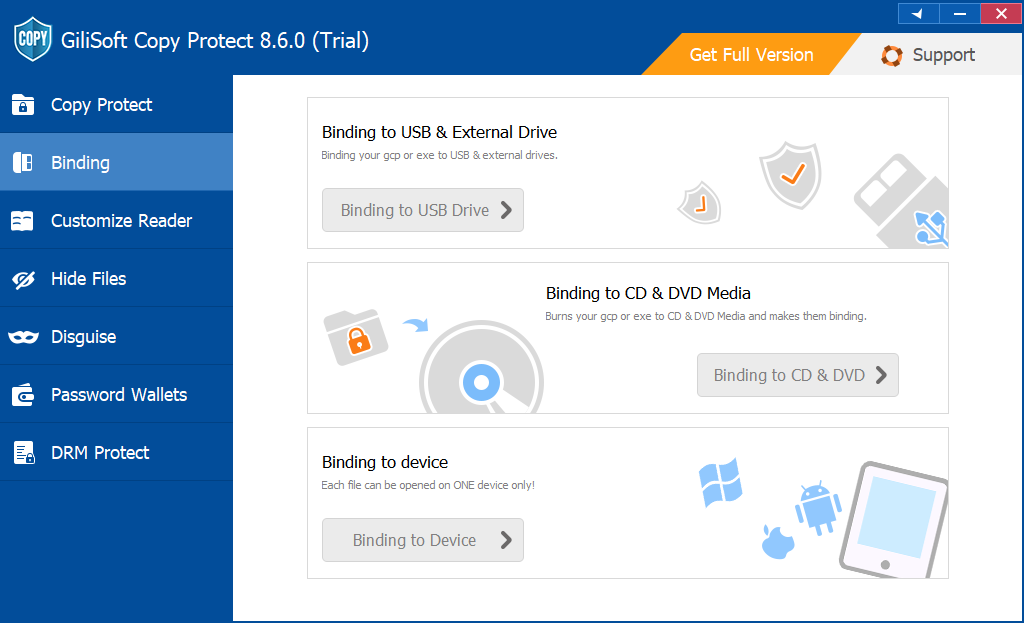
- Bind the package to the delivery USB or an approved PC if access is sold for one buyer or device.
- Build the package and test opening, navigation, printing, copy controls, screenshots, watermarking, expiry, reconnection, and relaunch on a second Windows PC.
- Archive the source project and release settings so support staff can reproduce, update, or reauthorize the customer release later.
Sell access without handing over the source library
Create a protected offline release for each customer while retaining the editable videos, documents, design files, and internal materials in your own archive.
Separate demo, customer, and administrator access
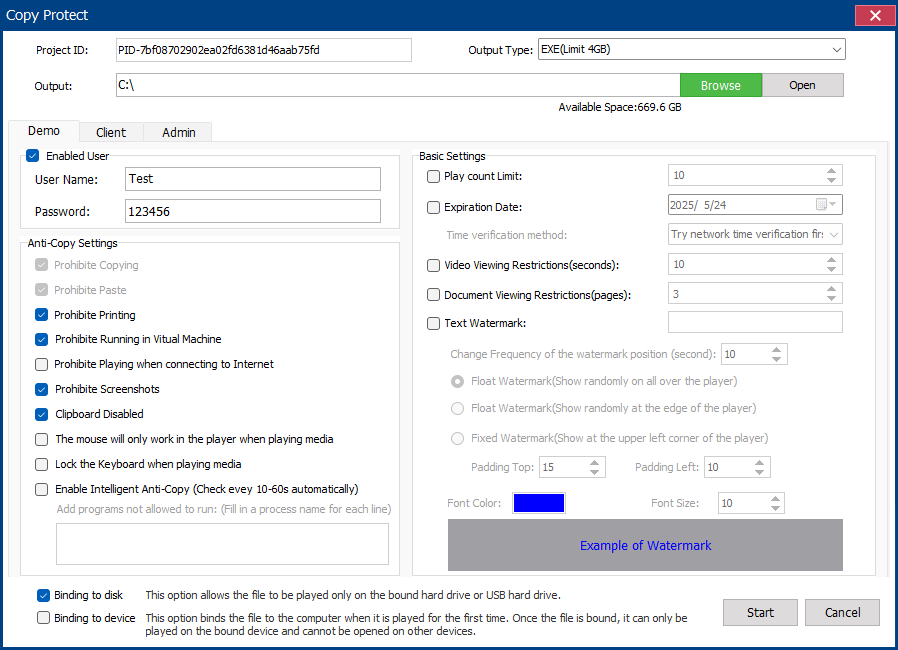
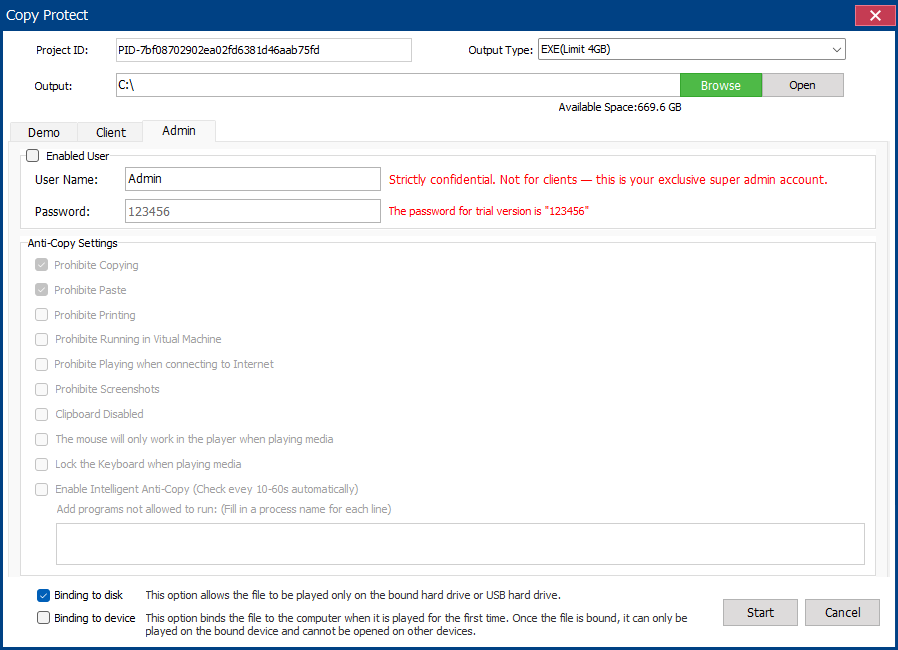
A commercial release often needs more than one password. A demo should expose only evaluation content, a buyer should receive the purchased library and permitted actions, and internal support staff may need administrator access for release management. Build and test these access paths separately instead of reusing one permanent password for every customer.
Design the customer experience before duplicating USB drives
Paid USB content that benefits from controlled delivery
Plan for the limits before making a promise
Commercial USB release checklist
- Keep editable masters, internal notes, source projects, and previous revisions off the delivery USB.
- Record the customer, order, release date, package format, password policy, watermark, expiry, and device binding.
- Confirm the EXE output is within the 4 GB limit or use GCP for the release.
- Test copy, print, screenshot, clipboard, Save As, virtual-machine, watermark, expiry, viewing-limit, and binding rules.
- Open the package from the actual production USB on another Windows PC using a standard user account.
- Reconnect the USB and relaunch the package to verify repeat use and device recognition.
- Keep a documented reissue and reauthorization process for legitimate customers.
- Archive the source project and the exact configuration used for every major release.
More paid-content and USB protection guides
USB copy protection for paid content FAQ
Can customers view the content without receiving the source files?
Yes. Copy Protect packages supported videos, documents, images, audio, web pages, and folders into a controlled GCP or EXE delivery instead of placing ordinary reusable source files on the USB drive.
Should I choose GCP or EXE output?
Choose GCP for the standard protected-reader format and larger libraries. Choose EXE for a self-running Windows package when the complete output stays within the 4 GB EXE limit.
Can each buyer receive different rules?
Yes. Build separate releases with customer-specific passwords, watermarks, expiration dates, viewing limits, client settings, and optional USB or PC binding.
Will USB encryption stop copying after the drive is unlocked?
No. Drive encryption protects data at rest before authorization. After unlock, the files behave normally. Copy Protect is designed for controlling common reuse actions after the buyer opens the delivery.
Can a protected USB package work offline?
The protected package is designed for offline delivery. Test the exact package, USB drive, and target Windows environment before shipment, especially when device binding or time-based rules are enabled.
Official security references
- NIST SP 1334: Reducing cybersecurity risks from portable storage media
- Microsoft: BitLocker and BitLocker To Go FAQ
- Adobe: Restrict printing, editing, and copying in PDFs
Turn the customer USB into a controlled paid release
Package the purchased content, assign the customer rules, test the finished USB, and keep the source library under your control.
View GiliSoft Copy Protect