
VIDEO EDITING
Video Editor Pro
Turn clips into finished videos with trimming, transitions, titles, music, and multi-track editing.

SOFTWARE FOR WINDOWS & MAC
Create more.
Protect what matters.
Edit video and audio, manage PDFs and documents, protect files and USB drives, and create with AI.
Individual apps and software bundles.
FEATURED PRODUCTS
VIDEO EDITING
Turn clips into finished videos with trimming, transitions, titles, music, and multi-track editing.
FILE PRIVACY
Hide private folders, lock files, prevent unwanted changes, and encrypt files for sharing.
AUDIO EDITING
Cut, join, mix, and record audio. Clean up voice recordings and adjust volume, EQ, and effects.

USB PORT CONTROL
Control USB ports, block unapproved devices, and set read or write permissions for trusted drives.
PDF & DOCUMENTS
Edit PDF text and images, fill forms, recognize scanned text with OCR, and organize or convert pages.
AI VOICE
Create AI voiceovers from text, transform recorded voices, and build custom voice clones.
TOOL FINDER
VIDEO & RECORDING
EDIT VIDEOS
Create tutorials, social videos, and personal movies from your clips, music, and titles.
WindowsMac edition
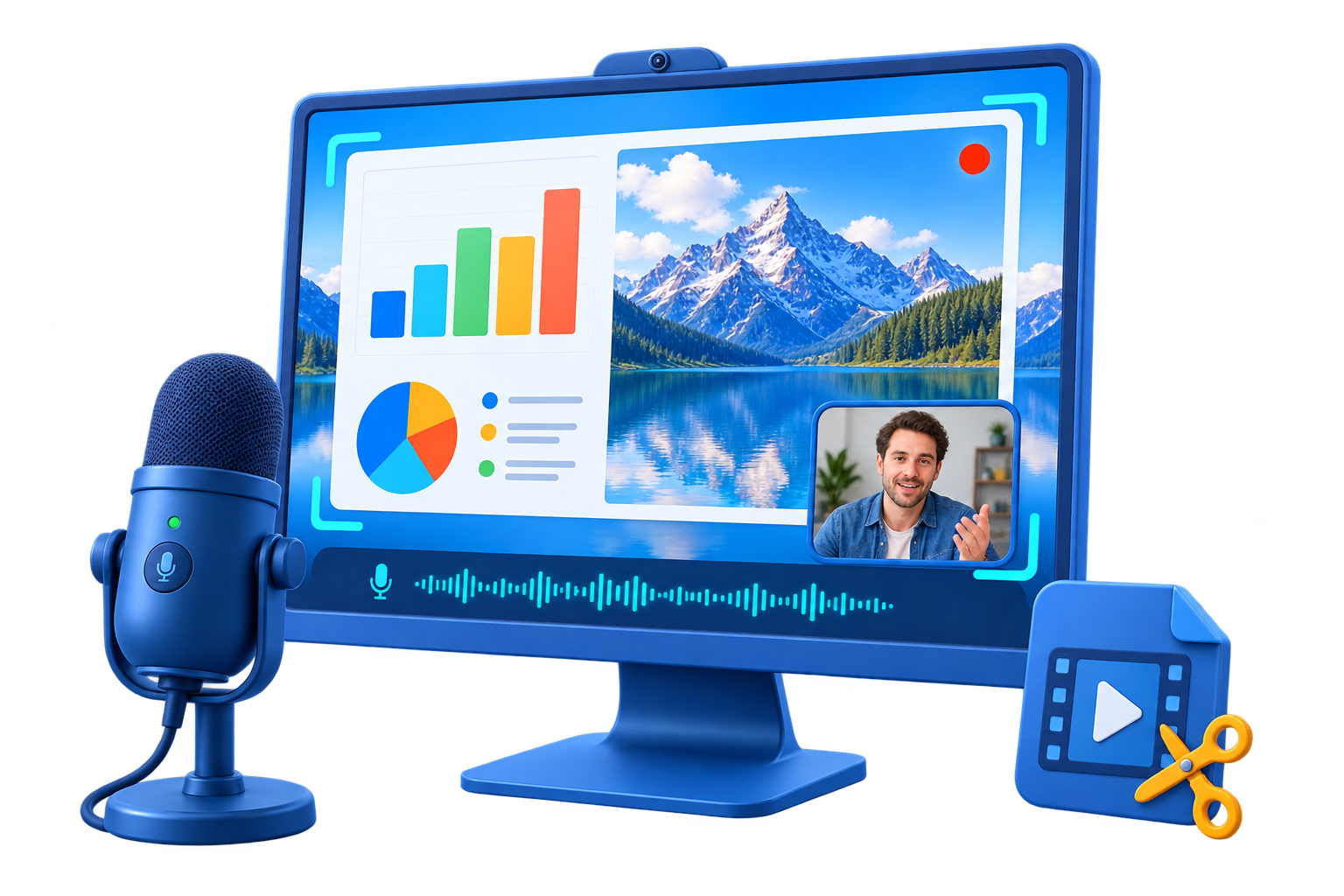
RECORD YOUR SCREEN
Capture a tutorial, presentation, or gameplay with your screen, webcam, and audio.
WindowsMac edition
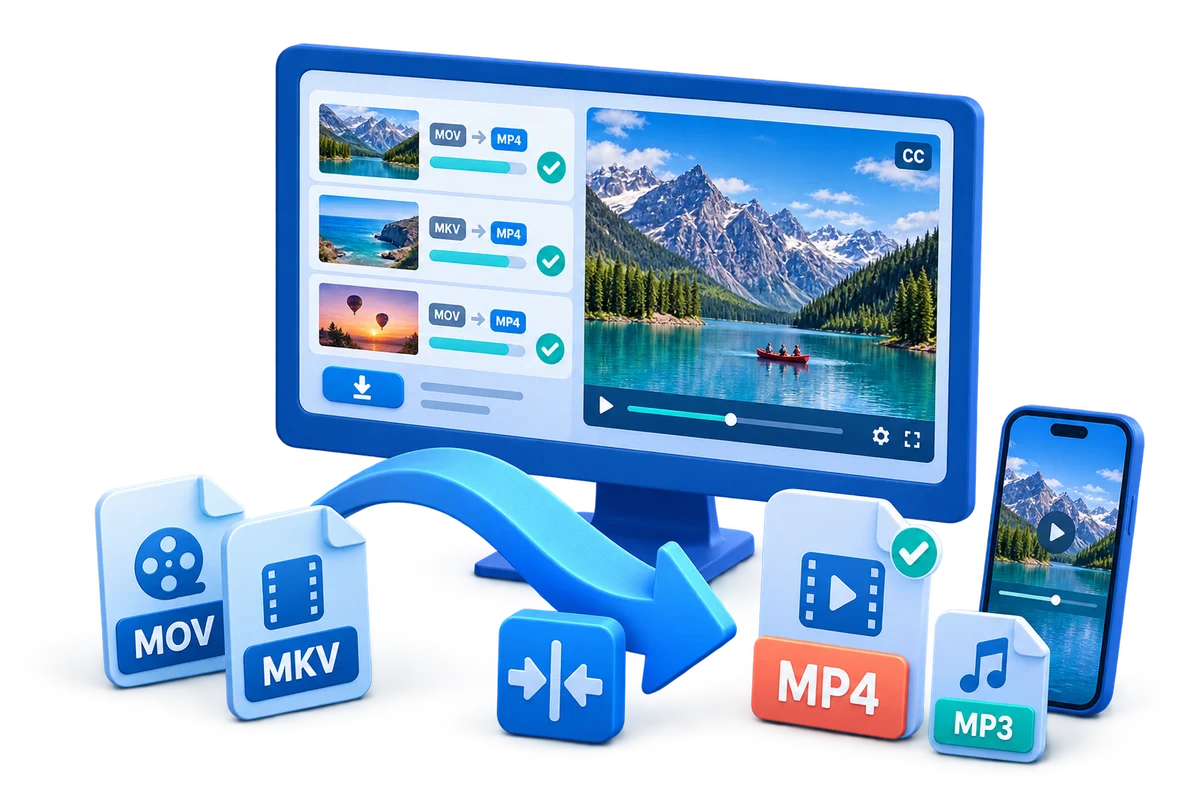
CONVERT VIDEO FORMATS
Convert your videos into formats ready for your devices, players, and next editing project.
WindowsMac edition
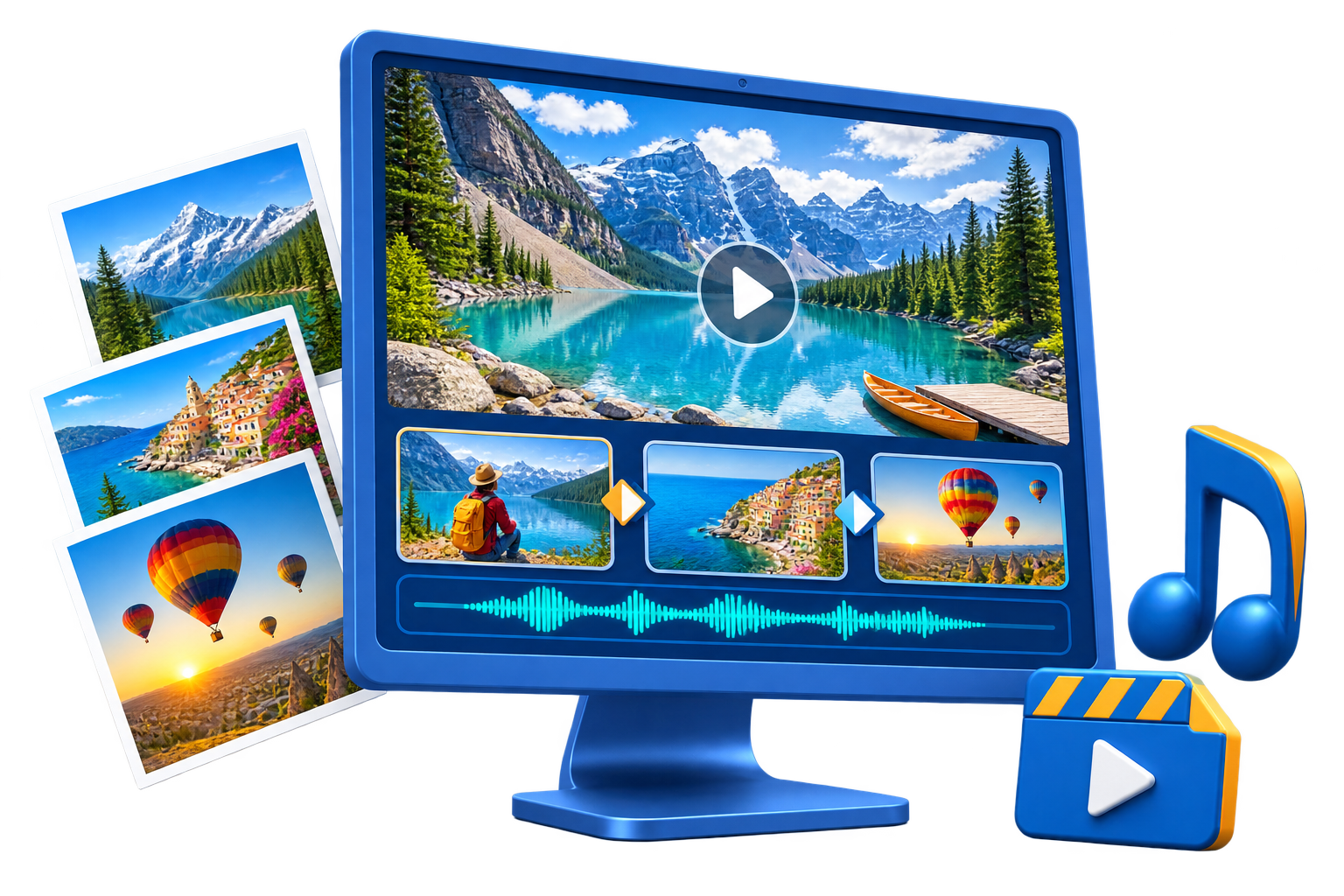
MAKE A PHOTO SLIDESHOW
Turn photos and music into a slideshow for family memories, events, or presentations.
WindowsMac edition
AUDIO & VOICE
EDIT AND IMPROVE AUDIO
Turn recordings into clear voiceovers, polished podcasts, and music mixes.
Windows
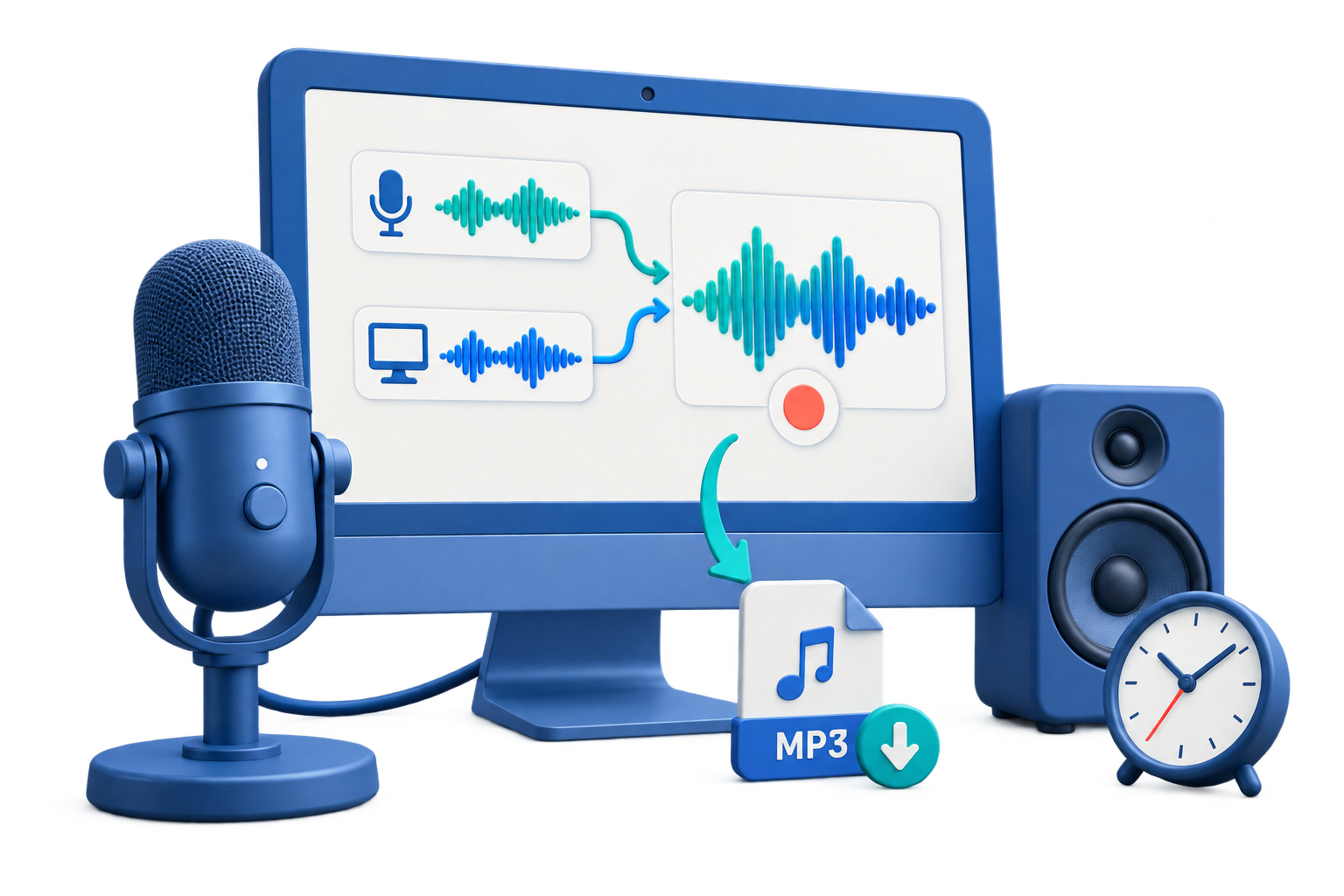
RECORD SOUND AND VOICE
Record interviews, lessons, and voice notes from your computer audio, microphone, or both.
WindowsMac edition
CREATE AI VOICEOVERS
Turn a script into speech, transform a recorded voice, or create a custom voice for your projects.
Windows
CONVERT AUDIO FORMATS
Convert audio files, extract sound from video, and bring Audio CD tracks into your digital library.
Windows
FILES & USB SECURITY
LOCK PRIVATE FOLDERS
Keep personal documents, photos, and videos private on a shared or everyday computer.
WindowsMac edition
CONTROL USB PORTS
Control USB ports on your PC and decide which devices can connect and how approved drives can be used.
Windows
PASSWORD-PROTECT A USB DRIVE
Create a password-protected private area while keeping a public area on the same USB drive.
Windows

COURSES & COPY PROTECTION
PROTECT TRAINING VIDEOS
Protect your courses and training videos with playback permissions, viewer watermarks, and access controls.
Windows
PROTECT DISTRIBUTED CONTENT
Share videos, documents, and course materials while protecting the original content inside each GCP package.
Windows
ENCRYPT VIDEOS AND DOCUMENTS
Encrypt videos and documents with a password, then let viewers open protected content without a separate decryption step.
Windows
PDF & DOCUMENTS
EDIT AND ORGANIZE PDFS
Update a contract, complete a form, or edit a scanned PDF without rebuilding the document from scratch.
Windows
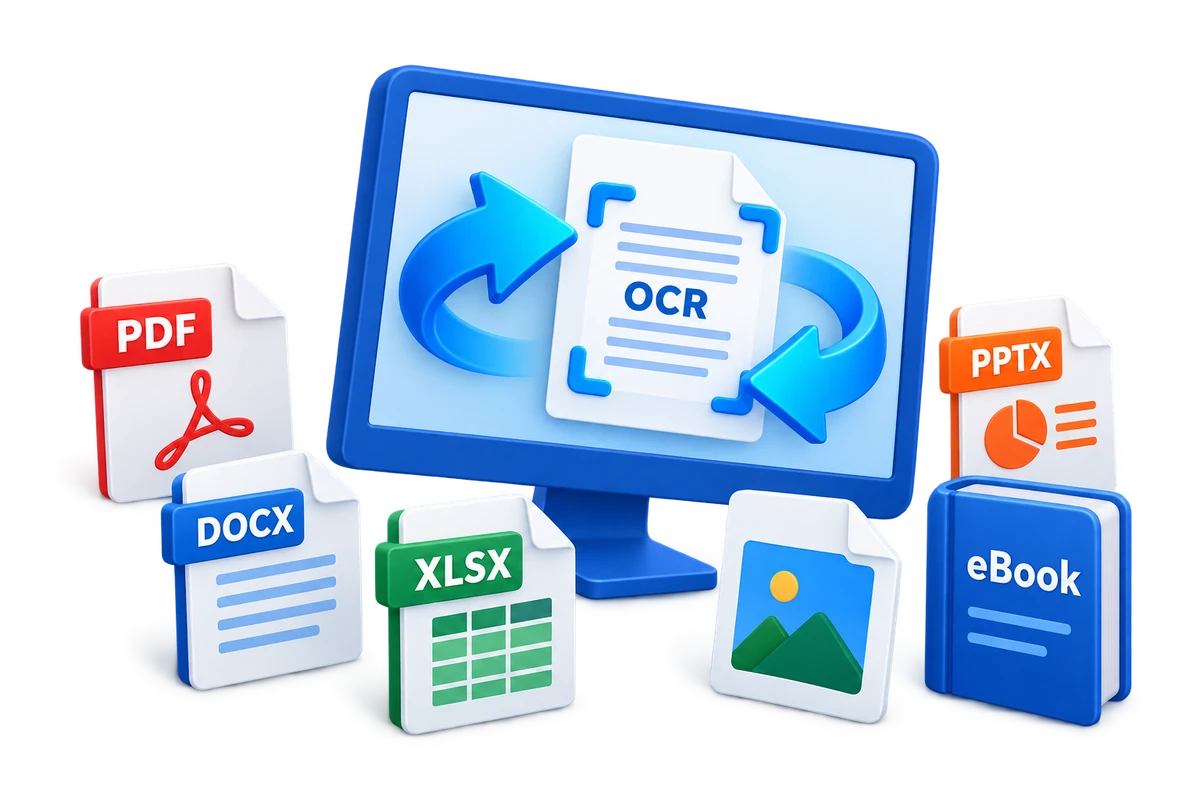
CONVERT DOCUMENT FORMATS
Convert reports, books, and scanned documents into formats you can open, edit, or share.
Windows
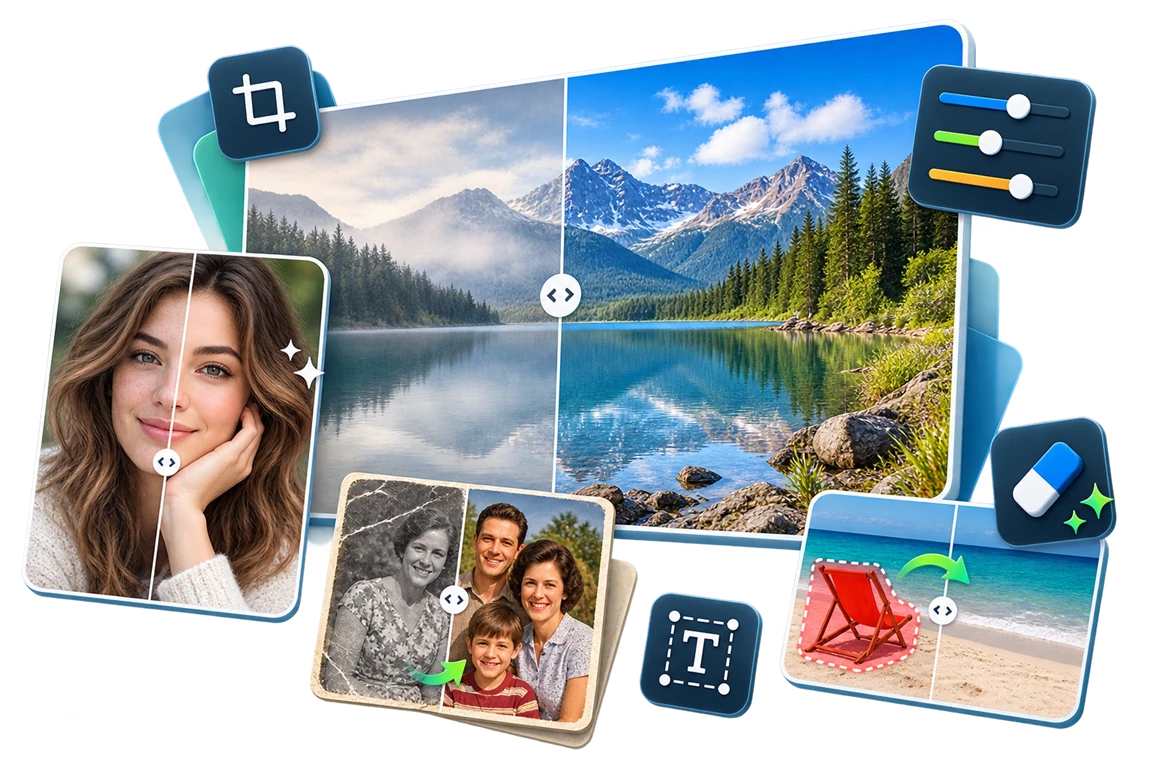
PHOTOS & AI
EDIT AND ENHANCE PHOTOS
Retouch portraits, restore old photos, and prepare images for sharing or publication.
Windows
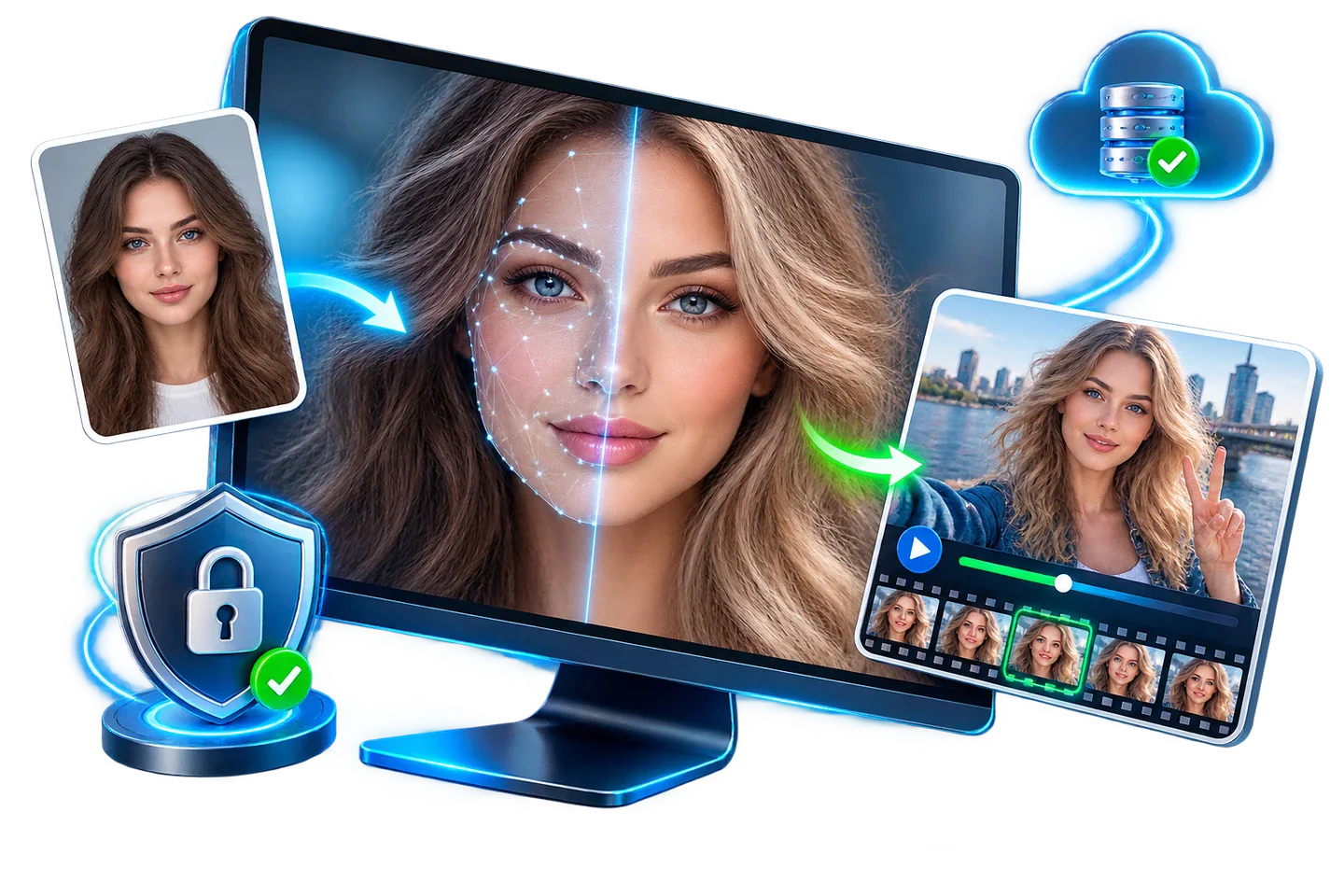
SWAP FACES
Create a new look for a photo or video with AI face replacement and a preview before export.
Windows
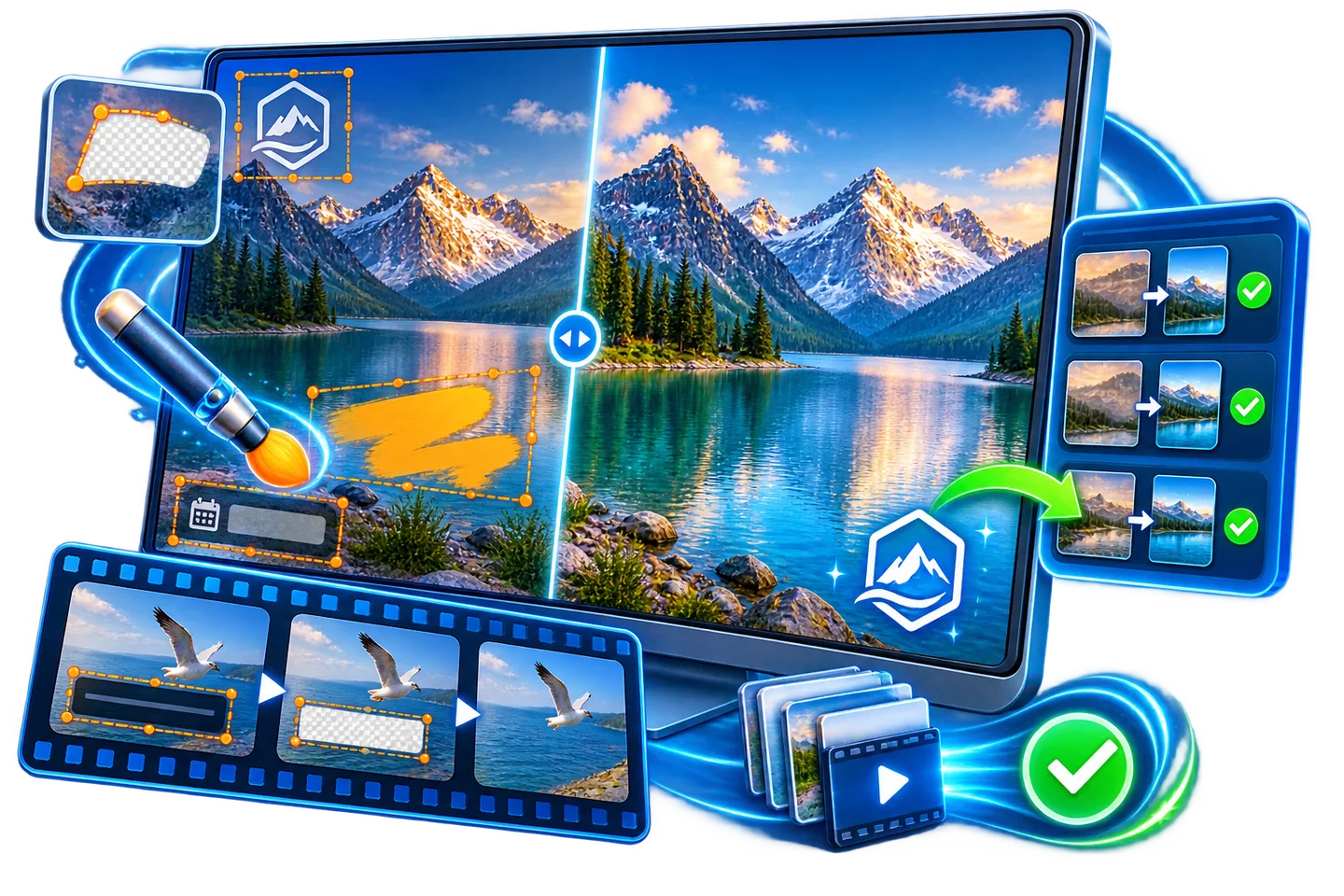
REMOVE WATERMARKS
Remove distracting logos, date stamps, and text so your photos and videos focus on what matters.
Windows
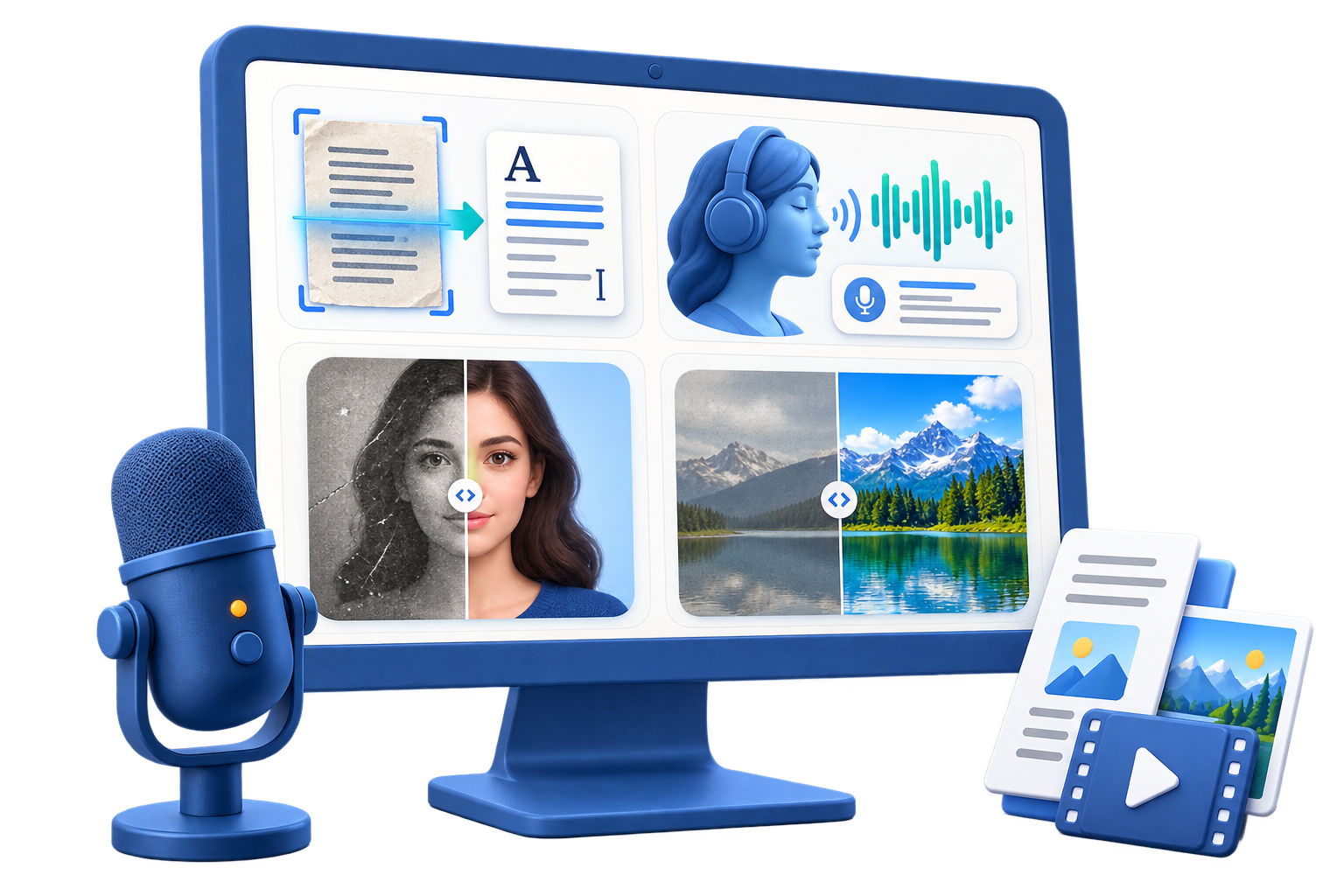
EXPLORE AI TOOLS
Turn speech and scanned text into usable content, and enhance photos with a collection of AI tools.
Windows
DVD & DISCS
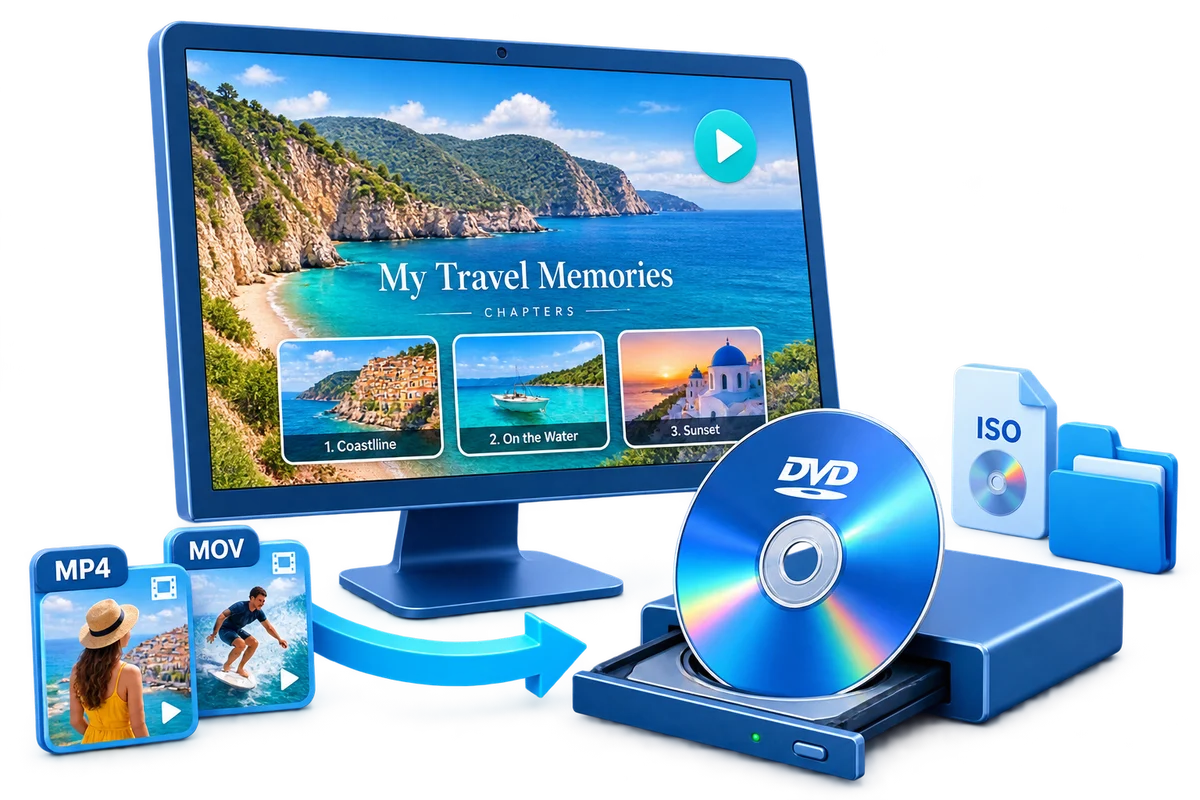
MAKE A DVD FROM VIDEOS
Turn your video files into a DVD with menus for a family movie, event recording, or video collection.
Windows
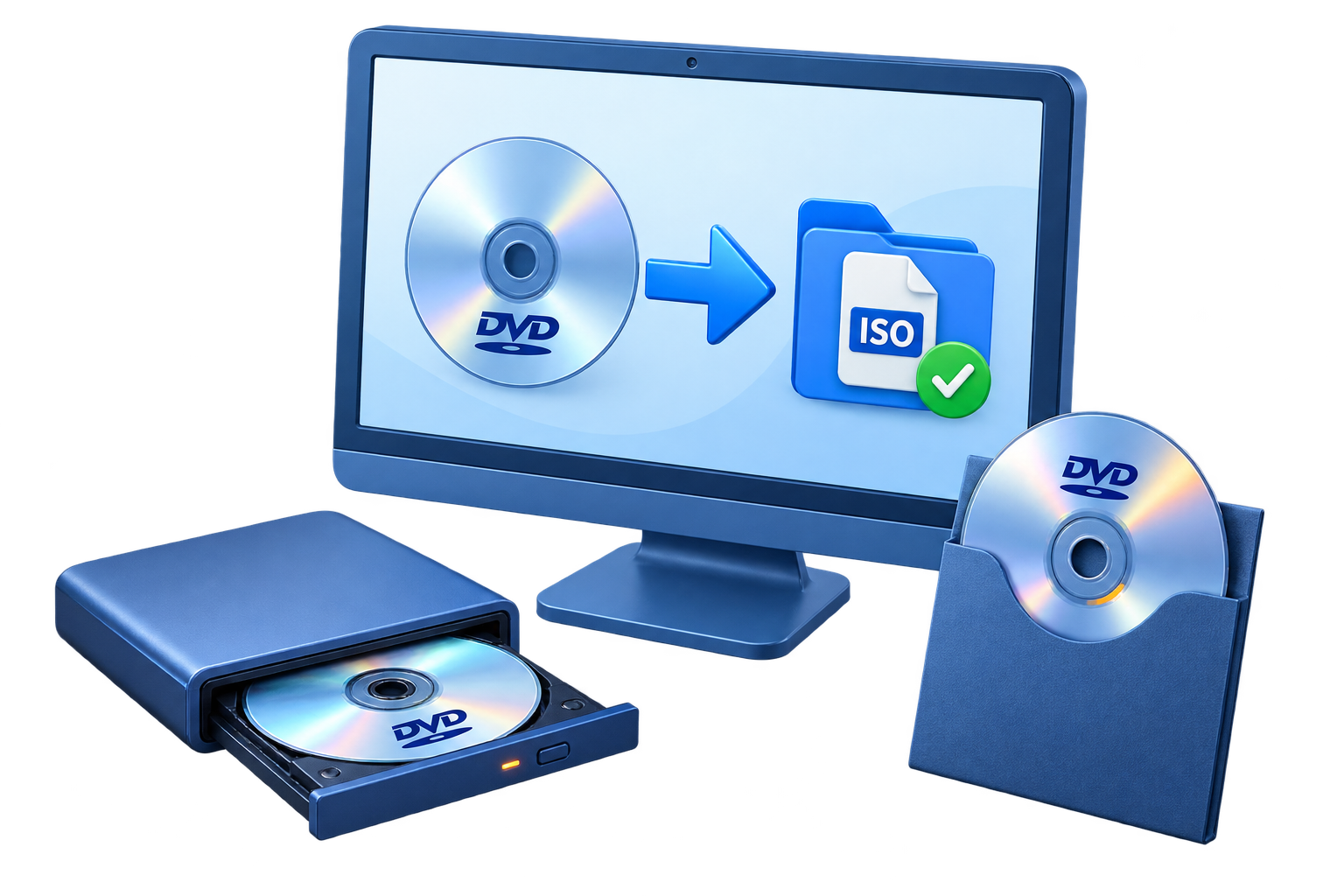
BACK UP AN EXISTING DVD
Keep a backup of an existing DVD as a disc copy, ISO image, or DVD folder on your computer.
Windows
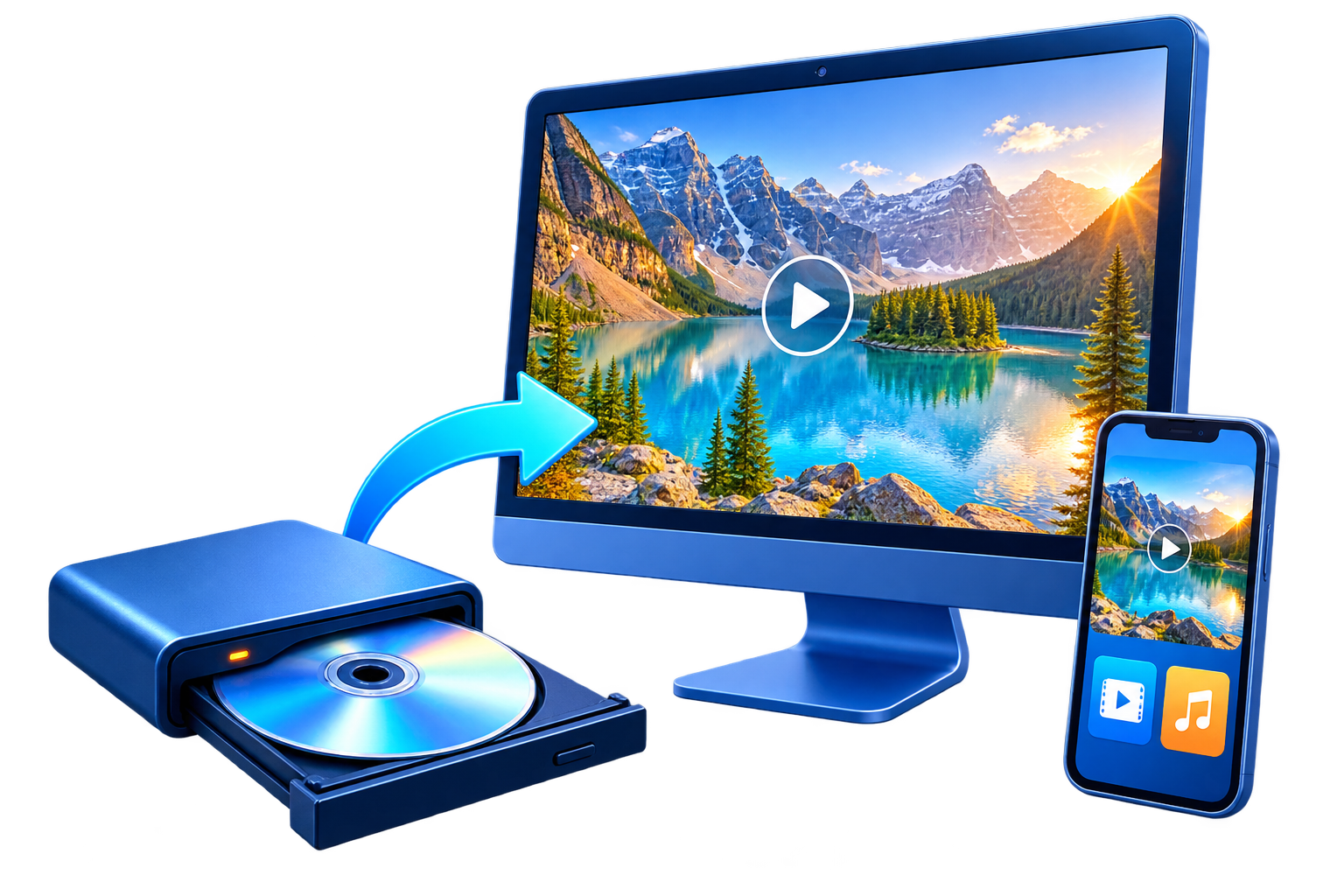
CONVERT DVDS TO VIDEO
Convert a DVD, ISO image, or VIDEO_TS folder to video files for your devices and editing projects.
Windows
RECOVERY & PC TOOLS
RECOVER LOST FILES
Recover deleted or lost documents, photos, and videos from hard drives, USB drives, and memory cards.
Windows
REPAIR AND CLEAN WINDOWS
Address Windows problems, clear unwanted files, and manage startup items from one application.
Windows

CREATE A RAM DRIVE
Use part of your computer memory as a fast working drive for temporary files, caches, and scratch data.
Windows

Find Mac apps for video editing, screen and audio recording, slideshows, and file privacy.
TOOLKIT SUITES
Windows software bundles for video, audio, document conversion, encryption, and content protection.
22 WINDOWS TOOLS
Bring together 22 Windows tools for video, audio, DVDs, PDF conversion, encryption, and file recovery.
VIDEO, AUDIO & DVD
Create videos, slideshows, and DVDs, record your screen, and edit or convert audio in one bundle.
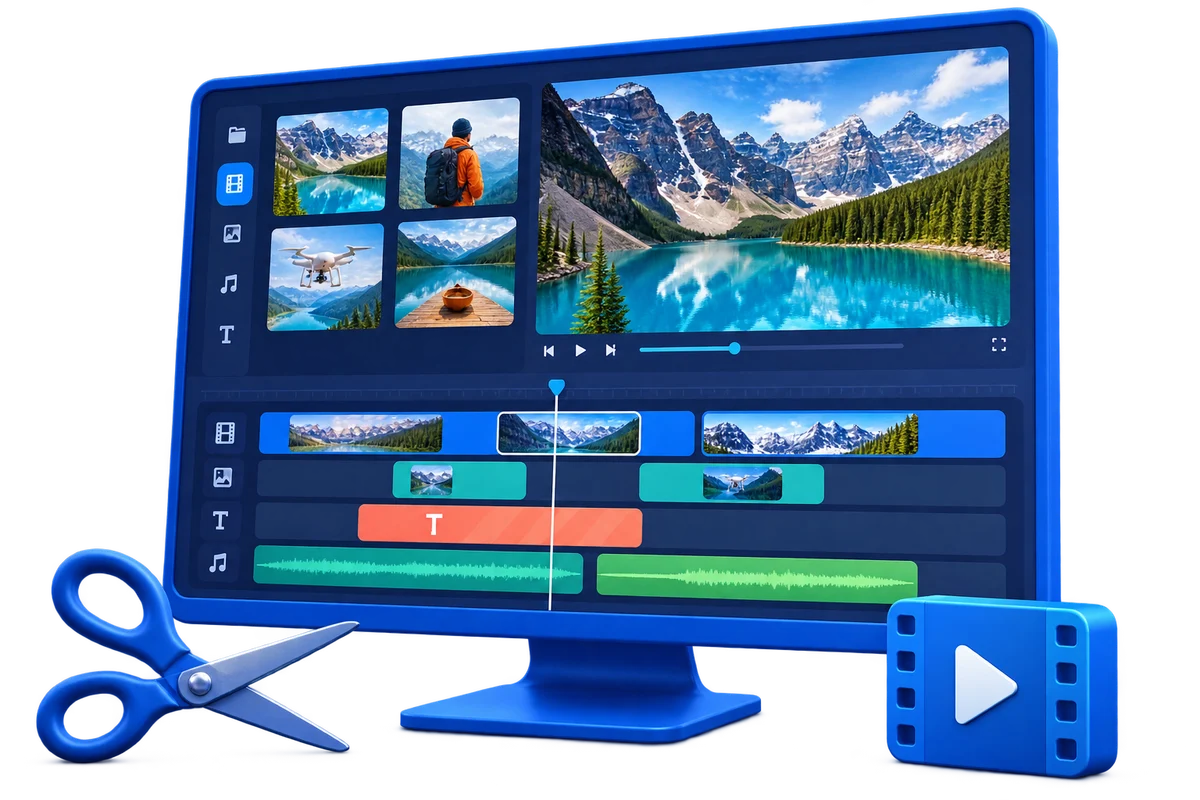
VIDEO CREATION
Cut, join, convert, and record video with a collection built around video projects.
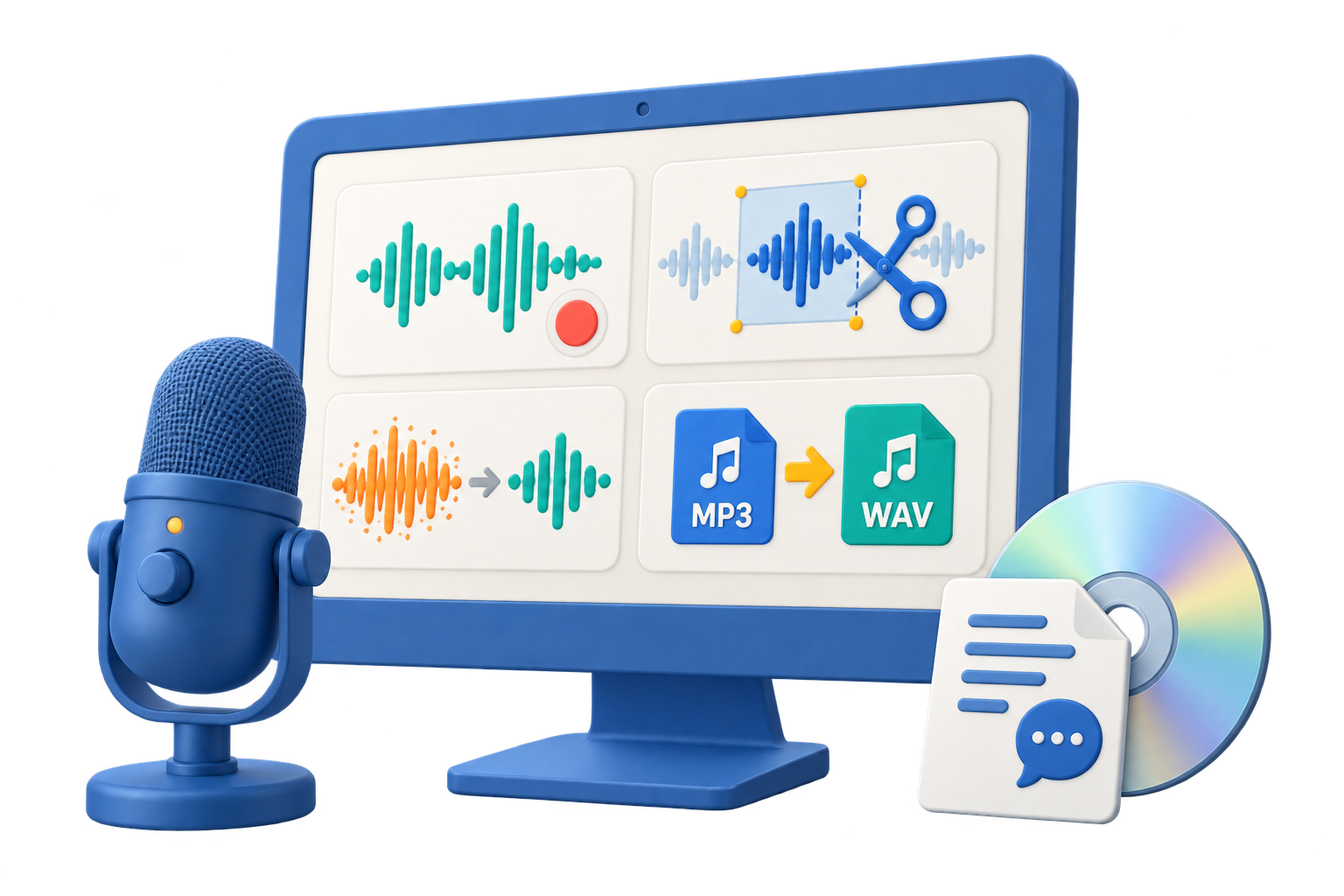
AUDIO PRODUCTION
Record, edit, clean up, mix, and convert audio, with speech tools and Audio CD utilities.

DATA ENCRYPTION
File privacy, USB and disk encryption, secure discs, and password-protected video in one bundle.
CONTENT PROTECTION
Protect videos, documents, and course materials with copy protection, DRM, and device access control.
PRACTICAL HOW-TO GUIDES
Download GiliSoft software and try a product before choosing your license.
Browse downloadsFollow step-by-step guides for editing, recording, file protection, and more.
Explore user guidesFind answers to setup, activation, product, and licensing questions.
Visit support center